
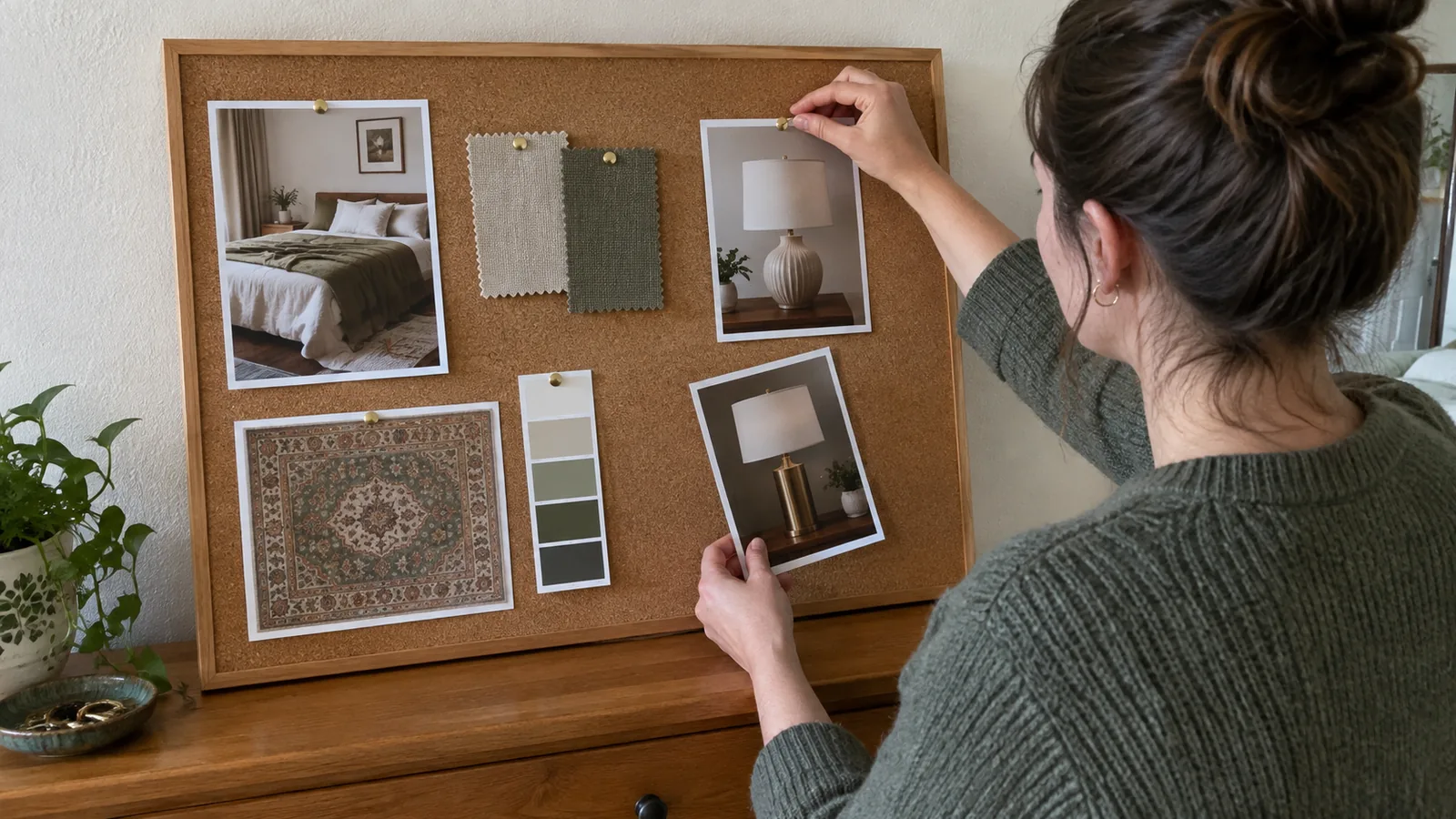
The apps at a glance
| App | Runs on | Free plan | Paid (checked October 2026) | Save from a shop | Cut out backgrounds | Colour palette | Share and collaborate | Export |
|---|---|---|---|---|---|---|---|---|
| Milanote | Web, Mac, Windows, iPhone, iPad, Android | 100 notes, images or links; 10 file uploads; unlimited shared boards | $9.99 a month billed annually, or $12.50 monthly | Web clipper for Chrome, Safari, Firefox, Edge and Opera | Not in its image tools (crop, rotate, draw) | Colour swatches with an eyedropper | Real-time editing, comment links, view-only links | PDF, PNG, Word, Markdown, plain text |
| Canva | Web, desktop and mobile apps | 5 GB storage, 1.6 million+ templates | Pro US$144 a year for one person | No clipper; upload images | Background remover with paid plans; limited free downloads | Palette generator from a photo | Invite others to design and comment in real time | JPG, PNG, PDF, and more; transparent PNG and SVG need Pro |
| Web, iOS, Android | Free service | Free | Save extension; product Pins show price | Cutouts for collages | No dedicated tool | Group boards with permission levels | Collage download in the app; no PDF | |
| Morpholio Board | iPhone, iPad, Mac | Up to 5 projects, Swatch Maker, image export | In-app tiers from $3.99 to $11.99 on the US App Store | Web clipper that keeps the product link | Magic Lift, Magic Wand and Cut Out tools | Swatch Maker free; Color Palettes on Essentials | By export; no live co-editing described | Image free; PDF, Excel and PSD on Premium |
| Miro | Web, Windows, Mac, iOS, Android | 3 editable boards; unlimited team members | Starter $8 per member a month, billed yearly | No current clipper; upload, paste or drag images | Remove background (Miro AI) on all plans, including Free | No dedicated tool found | Team members edit free; public-link visitors view only on Free | JPG, PDF, SVG, CSV; Free is low resolution only |
Prices are in US dollars, before tax, as shown on each vendor's site or the US App Store in October 2026. Annual billing is the cheaper option wherever both are offered. Confirm on the vendor page before you pay, because plans change.
Quick picks
| If you want | Use | Why |
|---|---|---|
| One free board for one room, on any device | Milanote | The free plan covers a single room board, and the clipper saves images and links from any shop |
| To collect ideas for months before deciding | Free, unlimited saving, and boards you can share with a partner | |
| A polished board to print or send | Canva | Templates and clean PDF export; background removal needs a paid plan |
| A sourcing list made from the board | Morpholio Board | Saved product links carry through to PDF packages and shopping lists; Apple devices only |
| A big shared whiteboard for planning with your household | Miro | Free members can all edit, and background removal works on the free plan |
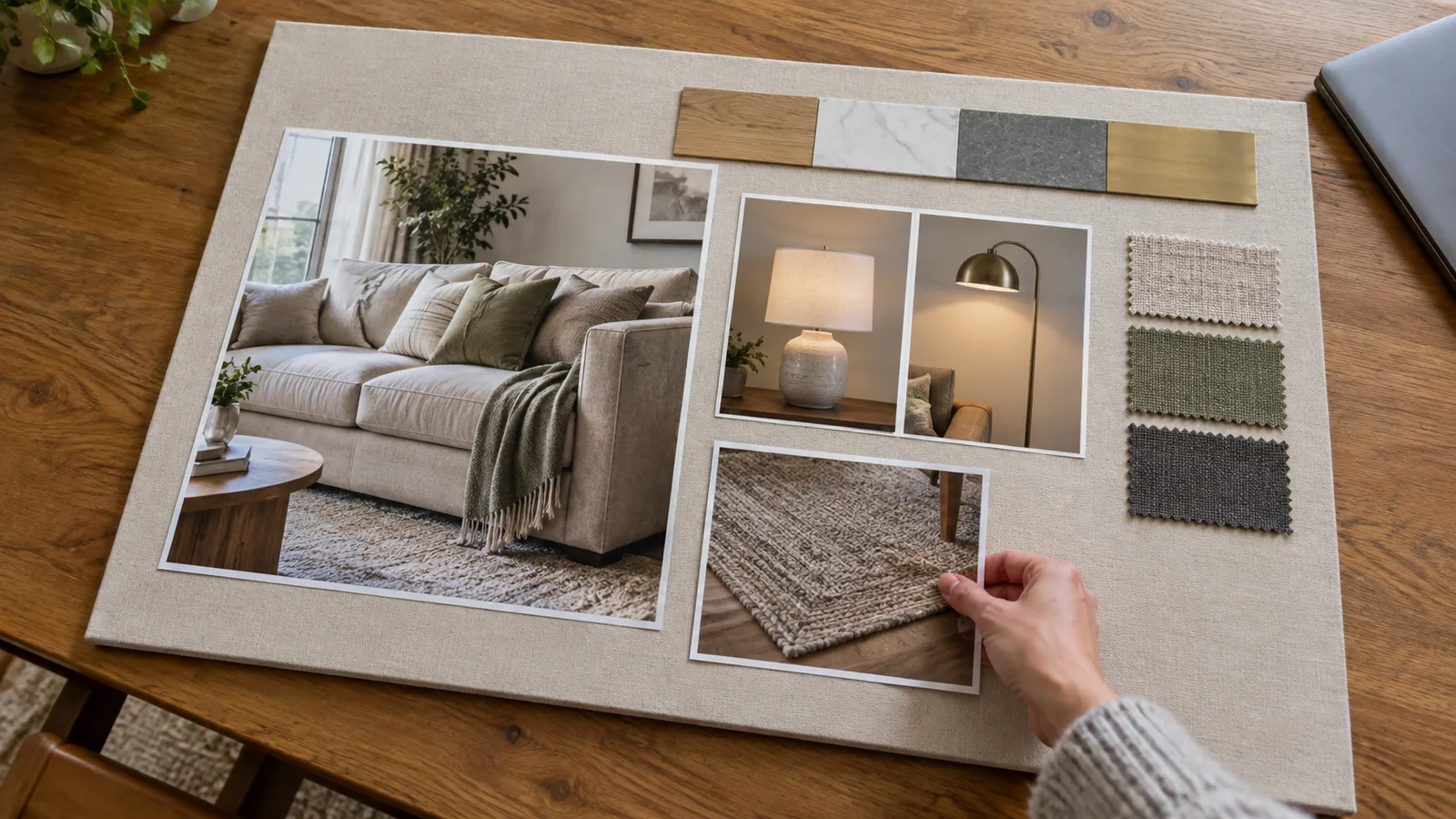
How we checked
This is a source-verified comparison, not a hands-on test. In October 2026 we read each vendor's pricing page, product pages and help articles, and the US App Store listing for Morpholio Board, and we link to each one in the sections below. We did not time how long a board takes in each app or compare output quality, so there is no score or ranking. Where a vendor does not say which plan includes a feature, we say so rather than guess.
We also left out the AI image generators several of these apps now include. They make new pictures from a text prompt; they do not show your room, so they do not help you decide what to buy for it.
Milanote: the easiest free board
Milanote is a visual board for notes, images, links and files that you arrange freely. Its free plan has no time limit and allows 100 notes, images or links, 10 file uploads, and unlimited shared boards. Paid use is $9.99 a month billed annually, or $12.50 billed monthly, for unlimited notes and uploads, with team plans from $49 a month billed annually for up to 10 people. It runs in the browser, as desktop apps for Mac and Windows, and on iPhone, iPad and Android.
For a room board, the useful part is the web clipper, which saves text, images, links and video from any site in Chrome, Safari, Firefox, Edge or Opera, so you can keep a product image and its page link together on the board. Colour swatches can be set with an eyedropper that samples a colour from an image on your board and shows its HEX, RGB or HSL value. You can share a board for editing or comments (the other person needs a free account) or as a read-only link that needs no account, and export it as PDF, PNG, Word, Markdown or plain text. PDF and PNG exports fit the board onto a single page.
- Good: generous free use for one room; the clipper saves images and links from any shop; real-time sharing with a partner.
- Watch: its image tools cover crop, rotate and draw, with no background removal, so product photos keep their showroom backgrounds. Every clipped item and swatch counts toward the 100-item free limit, which a whole-home project will reach.
Canva: the most polished layout
Canva is a general design tool with a mood board maker and customisable templates. The free plan includes 5 GB of cloud storage and more than 1.6 million templates; Canva Pro is US$144 a year for one person, and Canva Business is US$250 a year per person. Canva says Teams is no longer available for new sign-ups. It runs on the web and in desktop and mobile apps, and you can invite others to design together and comment in real time.
| For a room board | Canva Free | Canva Pro (US$144 a year) |
|---|---|---|
| Background remover | A limited number of free high-resolution downloads | Included |
| Transparent PNG or SVG cutouts | No | Yes |
| Brand Kit (saved palette) | 1 kit, 3 colours only | 5 kits |
| PDF and JPG download | Yes | Yes |
Canva has no web clipper on the pages we checked, so you download or screenshot product images and upload them, then type the product link and price beside each one yourself. Its background remover is included with paid plans; the feature page says free users can try it with a limited number of high-resolution downloads. The colour palette generator builds a palette from a photo you upload, which is a quick way to pull colours from a picture of your floor. Boards download as JPG, PNG or PDF, among other formats; transparent PNGs and SVGs need a paid plan.
- Good: the cleanest finished board to print or send to a contractor; strong templates.
- Watch: it is a design tool, not a collecting tool. Product links and prices are manual, and cutting furniture out of its background is the feature most worth paying for.
Pinterest: free collecting at scale
Pinterest is free and runs on the web, iOS and Android. It is better at gathering than at composing: the Pinterest Save extension for Chrome, Firefox and Microsoft Edge, with a Safari version too, saves an image from any site to a board. When a retailer publishes product Pins, Pinterest says they show the price, availability, title and description from the retailer's site and link back to the product page, with price and availability shown only if the item is in stock.
For composing, collages let you cut an object out of a Pin or a photo from your camera roll and arrange the cutouts as layers, on the web or in the app, where you can also download the finished collage. Group boards let collaborators save, move and comment, with the owner choosing what they can do. There is no palette tool and no PDF export on the pages we checked. To trace a piece you saved back to a seller, see our guide to finding furniture from a picture.
- Good: free and unlimited for collecting; product Pins carry a live price; easy to share with a partner.
- Watch: many Pins are styled photos with no product behind them, and a board of 200 Pins is inspiration, not a plan.
Morpholio Board: built for interiors, Apple only
Morpholio Board, sold on the App Store by Vectorworks, is the only app here made for interior boards. It runs on iPhone, iPad and Mac, with no Android or web version, and its App Store listing sets out four tiers.
| Tier | Projects | Adds |
|---|---|---|
| Free | Up to 5 | Pinterest import, markup tools, curated galleries, image export, Swatch Maker |
| Essentials | 10 | Moodboard Magic Tools, Color Palettes |
| Premium | 20 | Export to Excel, PDF or PSD; presentation mode |
| Pro | Unlimited | Smart layers, folders, automatic shopping lists and furniture books, a personal library |
The US App Store lists Board Essentials at $4.99, Board Premium at $7.99, and Board Pro subscriptions at $3.99 and $11.99, and its trial offer reads free for one month, then $11.99 a year. The listing does not give the billing period for every tier, so check inside the app before subscribing. On its product page, Morpholio describes a web clipper that saves the link back to the product website, one-tap background removal (Magic Lift), a Magic Wand for white backgrounds, a Cut Out tool for clipping furniture from photos, and Swatch Maker with HEX, RGB and CMYK codes. It also describes PDF design packages that include the board, a furniture and sourcing list, and your saved product links.
- Good: the shortest route from board to shopping list; real cutout tools; built around products with links.
- Watch: Apple devices only; several tools (Custom Grids, Color Seed, Shape Seed) are iPad only; no live co-editing is described, so sharing means sending an export.
Miro: a shared whiteboard for the whole household
Miro is an online whiteboard: an endless board for images, sticky notes, shapes and text, built for teams. It runs in the browser, as apps for Windows and Mac, and on iOS and Android. The free plan has unlimited team members and lets you create unlimited boards, but only the three most recent stay editable. Starter costs $8 per member a month billed yearly, and Business $20; Miro says annual billing saves 20% over monthly.
| For a room board | Miro Free | Miro Starter ($8 per member a month, billed yearly) |
|---|---|---|
| Editable boards | 3 most recent | Unlimited, including private boards |
| Board exports | Low resolution only | High resolution JPG or PDF |
| Visitors with a public link | View only | View, comment or edit |
| Remove background on images | Yes | Yes |
Miro has no current web clipper: its old Chrome Web Clipper help article has been removed, so you upload, paste or drag images onto the board and type each product link and price beside them. On the plus side, Miro's help centre lists Remove background for uploaded or pasted images on every plan, Free included, in the browser, desktop and mobile apps. We found no dedicated palette tool. Free-plan boards are open to everyone on your team; anyone outside it can only view through a public link, since editing and commenting by visitors need a paid plan. Board export covers JPG, PDF, SVG and CSV, with the free plan limited to the small, low-resolution size.
- Good: free cutouts and free shared editing for a couple or household planning together; room to lay out several rooms side by side.
- Watch: only three editable boards on Free, so keep one room per board; no clipper, so links and prices are manual; free exports are too low resolution to print.
How to build a room mood board that helps you buy
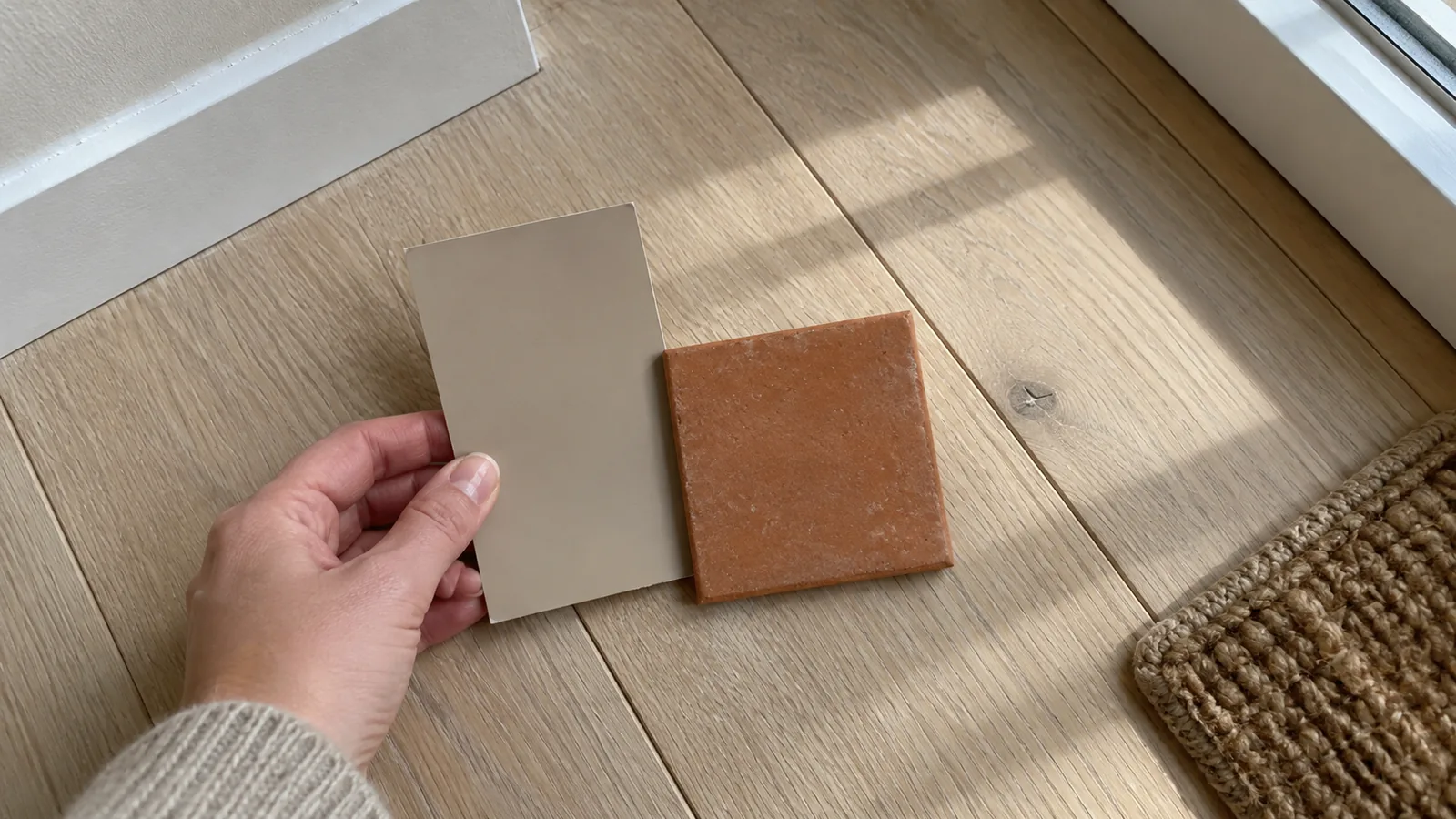
A board that leads to good purchases looks less like a collage and more like a specification. The layout below works in any of these apps.
- AThe anchor piece, usually the sofa, bed or dining table, placed first and largest, with its width, depth, height and price written on the board.
- BThe fixed finishes you are keeping: floor, worktop, tiles, window frames, a brick wall. Photograph or sample them in your own daylight.
- CThree to five materials in total, such as one wood, one metal, one main fabric and one texture. More than that usually reads as clutter.
- DLighting: the lamp types you need and the bulb colour you will use in all of them.
- ESupporting pieces (rug, chair, side table, curtains), each labelled with dimensions, price and the store.
- FThe room's plan and key measurements, so every piece on the board can be checked against them.
- Place the anchor piece first. Pick the biggest thing you will buy, note its width, depth, height and price beside it, and check it against your wall using the two-thirds wall rule before anything else goes on the board.
- Build the palette from fixed finishes. Start with what is staying, such as the floor or a worktop, then choose paint and fabric that suit it. Test paint colours as real samples; our paint visualizer comparison explains why the screen is not the wall.
- Limit yourself to three to five materials. This is a rule of thumb, not a law, but it keeps a room calm and makes shopping simpler.
- Add lighting as its own zone. A ceiling light alone rarely works; plan a floor or table lamp, and keep every bulb the same colour, as our guide to why a room feels off explains.
- Check every item against the room's measurements. Write the room's dimensions on the board and test the big pieces against them, including walkways from the furniture clearance guide. If you have not measured yet, our room measuring apps comparison covers scanning a room and what to check with a tape.
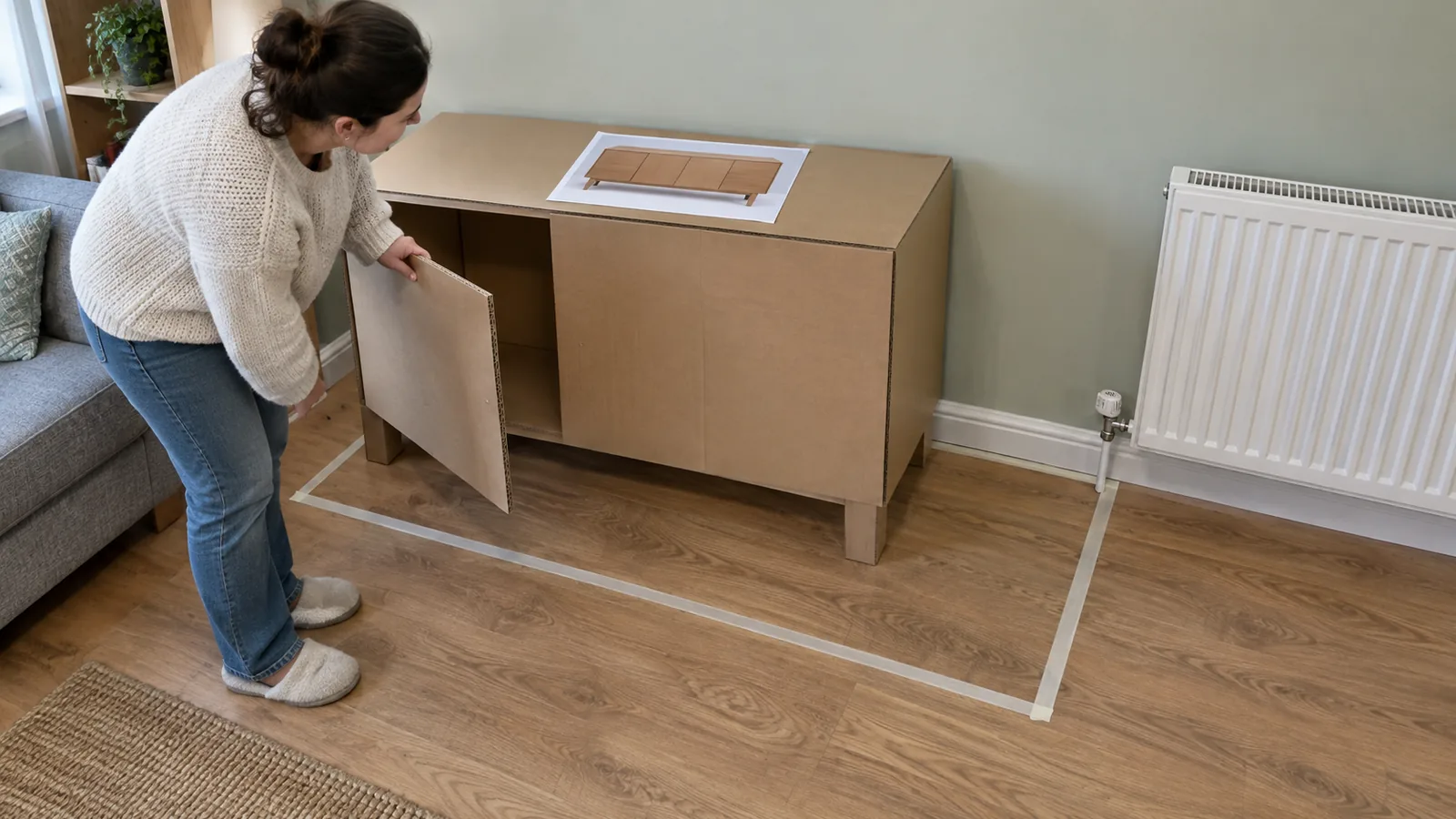
What a mood board cannot tell you
Every app here shows products side by side, each cropped to fill its tile. That hides the questions that cause most returns.
- Scale: a 96 in (244 cm) sofa and a 20 in (51 cm) side table can sit at the same size on a board. Only written dimensions and a plan show the difference.
- Photography: product shots use wide lenses and styled rooms that make pieces look larger or smaller than they are; our guide to why rooms look wrong in real life explains how.
- Colour: screens, camera processing and your own light all shift colour, so order fabric and paint samples before you commit.
- Availability: a saved image does not track price or stock. Even Pinterest's product Pins only show a price while the item is in stock.
Which app should you use?
- You want one free board for one roomMilanote.
- You are still collecting ideas with a partnerPinterest group board.
- You need a clean board to print or sendCanva.
- You use an iPad and want a sourcing listMorpholio Board.
- You and a partner want to edit one board together, freeMiro, one room per board.
Whichever you choose, the board is a brief, not a decision. If you are handing it to a designer or a contractor, our guide to writing an interior design brief turns it into instructions they can work from.
From mood board to a realistic room image
A mood board shows your pieces side by side. It does not show them in your room, at the right scale, in your light, which is the question you still need answered before you order the sofa. A photo-based visualizer is the next step. DecorViz lets you upload a photo of your room plus product images from any store. Its Canvas mode places up to four products from your board into that photo, where you can move, resize, rotate and layer them, then renders the whole room realistically. Quick Generate does the same for a single product.
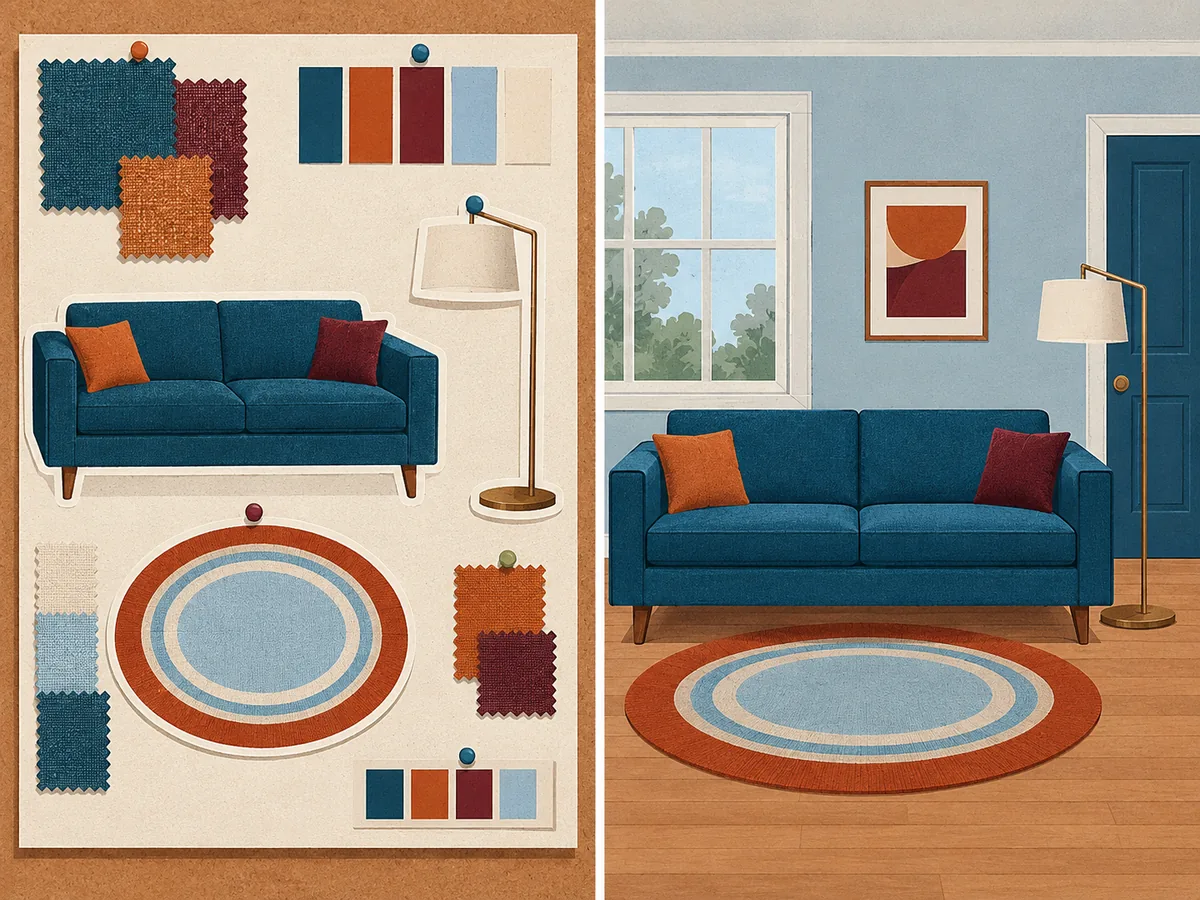
Treat the rendered image the way you treat the board: as a check on look and proportion, not a guarantee of fit. Confirm the dimensions with a tape and a plan, and read our DecorViz review for what it does well and where it falls short.