

Quick answer: best AI furniture visualizers
- Best overall: DecorViz.ai for photorealistic previews of any product from any store
- Best for professionals: REimagineHome and Planner 5D for real estate staging and complete floor plan design
- Best for quick inspiration: RoomGPT, Interior AI, and Spacely AI for instant room makeovers and style exploration
- Best for catalog shopping: IKEA Kreativ, Houzz View in My Room, and Homestyler for browsing massive built-in furniture libraries
How we picked these tools
We evaluated these platforms based on visualization accuracy, ease of use, and practical application. A great visualizer needs to handle real-world room photos, account for existing lighting conditions, and provide a realistic sense of scale so you can trust what you see.
We also looked at whether tools restrict you to a specific retailer's catalog or allow you to upload any product image you find online. Pricing is accurate as of July 2026, but prices are subject to change.
At a glance: a comparison
| Tool | Best for | Starting price |
|---|---|---|
| DecorViz.ai | Exact product preview from any store | Free tier |
| REimagineHome | Real estate and virtual staging | $14/mo |
| Interior AI | Complete room redesigns | $32.50/mo |
| IKEA Kreativ | IKEA shoppers | Free |
| Planner 5D | Floor planning and room layout | $59.99/year ($4.99/mo equivalent) |
| Houzz | AR shopping from a large catalog | Free |
| RoomGPT | Free quick-redesign tool | Free |
| Homestyler | Professional 3D design | Free tier |
| Spacely AI | Generating designs from scratch | $39/mo |
| AI Room Planner | Shopping with direct buy links | $14.99/mo |
1. DecorViz.ai
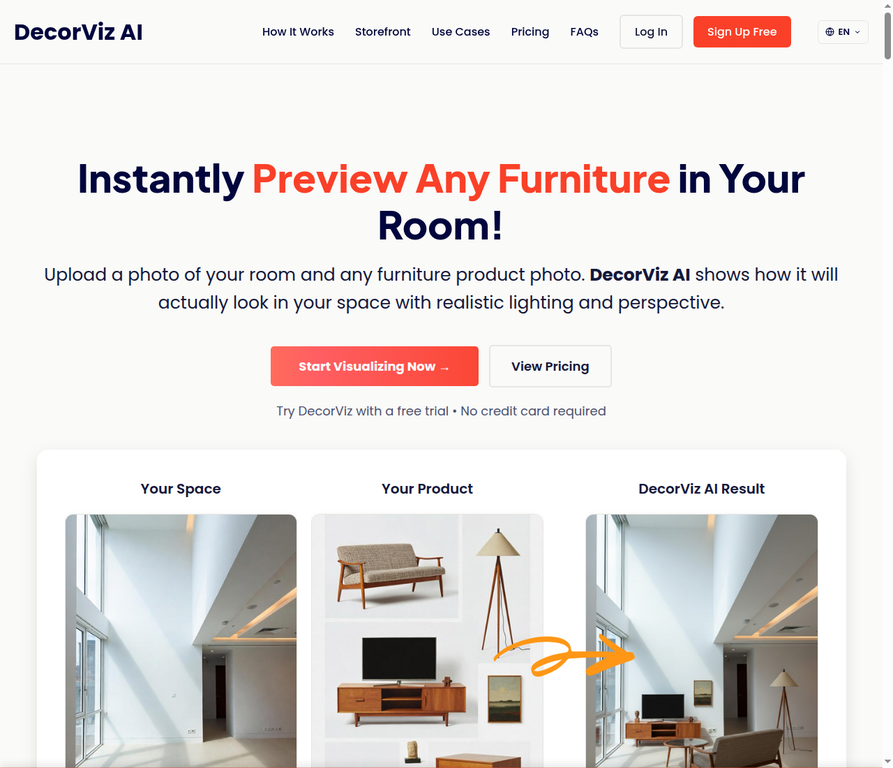
DecorViz.ai solves the biggest problem with online furniture shopping by letting you visualize any product in your actual room. You simply upload a photo of your space and a screenshot of the furniture piece you want to buy, and the AI generates a photorealistic preview showing exactly how it will fit.
Key features:
- Universal store compatibility: You can upload product images from any retailer rather than being locked into a single catalog.
- Photorealistic rendering: The system automatically adjusts lighting, casts accurate shadows, and corrects perspective to match your room photo.
- Storefront integration: Retailers can embed the technology directly into their product pages to offer customers a seamless preview experience.
What other people thought about it:
Reviewers on Reddit's interior decorating communities frequently highlight the tool's practical utility for everyday shopping. One verified user noted, "DecorViz ai is My favorite 'see furniture in room' app," praising its ability to handle items from multiple different stores in the same room view [1].
Pros:
- Works with any furniture store
- Highly realistic lighting and shadows
- Fast processing time
Cons:
- Free tier limited to a couple of previews
- One product per render, not full-room layouts
- Previews products you supply rather than generating new design ideas
Pricing: Free tier available with no credit card required. One-time credit packs start at $5, and monthly subscriptions begin at $9/mo for 40 previews.
2. REimagineHome
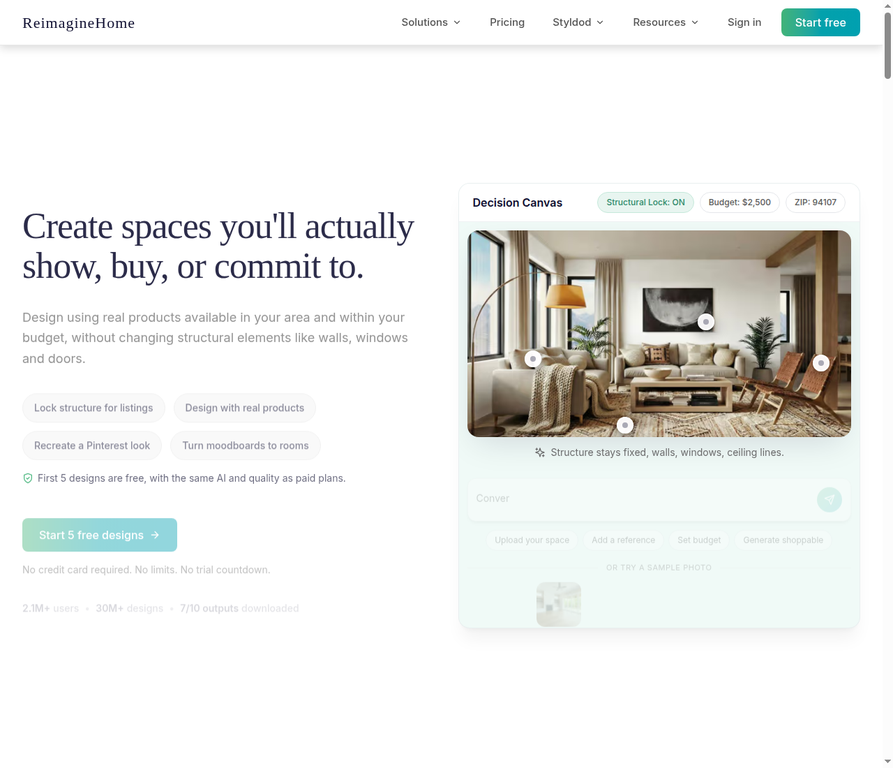
REimagineHome serves as a comprehensive virtual staging and interior design platform built primarily for real estate professionals. It can furnish empty rooms, redesign existing spaces, handle exterior landscaping, and even remove unwanted objects from listing photos.
Key features:
- Structural lock: The AI preserves existing walls, windows, and architectural details while changing the decor.
- Shoppable designs: The platform identifies real products that fit your specified budget and places them in your generated designs.
- Batch processing: Users can upload up to 50 photos at once to quickly process entire property listings.
What other people thought about it:
Industry testing shows strong performance for standard staging tasks with some limitations on complex layouts. A review from Room Enhance found that it produces good quality virtual staging with fast rendering times, but noted it struggles with more complex room designs and unique architecture [2].
Pros:
- Excellent for real estate agents
- Keeps room structure intact
- Includes exterior and landscaping tools
Cons:
- Less control over specific item placement
- Can struggle with unusual room shapes
- Higher learning curve for casual users
Pricing: Essential plans start at $14/mo for 30 credits.
3. Interior AI

Interior AI focuses on complete room transformations and style exploration across more than 30 different room types. Users can upload a photo of their current space and ask the system to reimagine it in over 50 distinct architectural and interior design styles.
Key features:
- Sketch-to-image conversion: You can upload basic interior design sketches and turn them into fully realized photorealistic renders.
- Virtual staging mode: The system includes dedicated tools for furnishing empty homes specifically tailored for real estate marketing.
- 3D walkthroughs: Users can convert their static AI interior designs into immersive 3D flythrough videos.
What other people thought about it:
Independent testing reveals that the tool is highly capable but occasionally inconsistent depending on the room type. A detailed review by Decor Copilot confirmed that it delivers on its promise to handle every room in the house, though they found the quality varies wildly, with bedrooms looking amazing while bathroom renders were sometimes bizarre [3].
Pros:
- Massive variety of design styles
- Converts rough sketches to renders
- Creates video walkthroughs
Cons:
- Quality varies by room type
- Annual billing required for best rates
- Can generate weird architectural artifacts
Pricing: Pro plans cost $390/year (averaging $32.50/mo) for 1,000 stages per month. Full write-up: Interior AI review.
4. IKEA Kreativ

IKEA Kreativ is a free spatial design tool integrated directly into the IKEA mobile app and website. It uses your smartphone's camera or LiDAR sensor to create an editable 3D replica of your room where you can digitally erase your old furniture and drop in new IKEA products.
Key features:
- Advanced room scanning: The app captures accurate dimensions and spatial data to build a true-to-scale digital twin of your space.
- Magic eraser: You can digitally remove your existing furniture from the scan before placing new items.
- Full catalog access: Users can browse and place virtually any item from the current IKEA inventory into their scanned room.
What other people thought about it:
User feedback indicates the scanning technology is impressive but the utility is strictly tied to the brand. Discussions on the IKEA subreddit point out that while you can easily scan a room or use presets, the tool is entirely limited to IKEA products, making it less useful if you plan to shop elsewhere [4].
Pros:
- Completely free to use
- Accurate spatial scanning
- Erases existing furniture easily
Cons:
- Limited exclusively to IKEA products
- Requires app download for scanning
- Best features require LiDAR-equipped phones
Pricing: Free to use.
5. Planner 5D
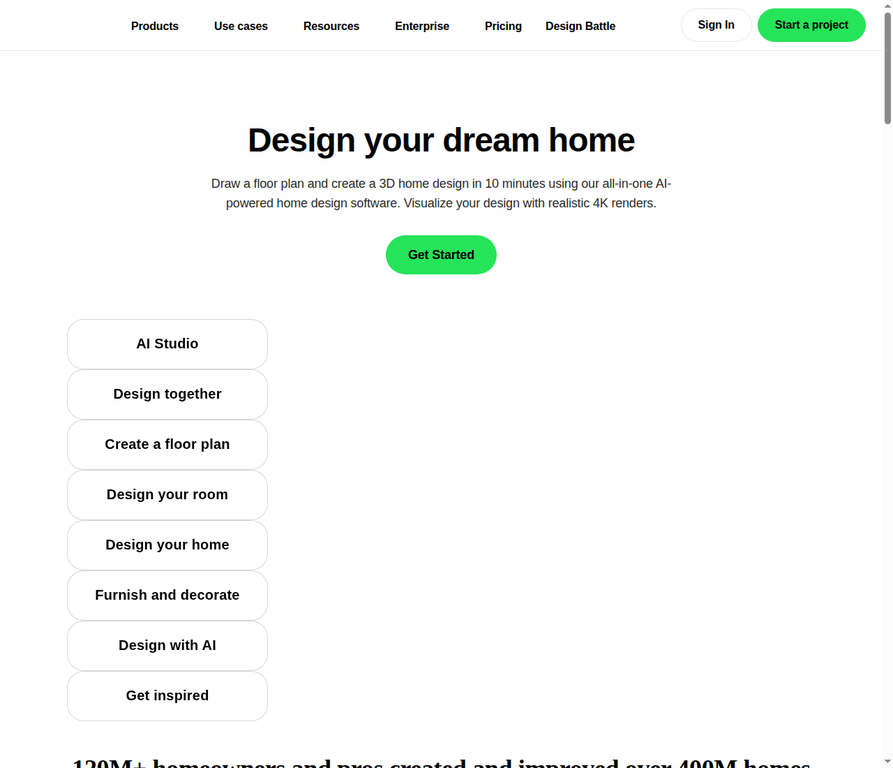
Planner 5D combines traditional floor planning software with modern AI generation tools to help users design entire homes from the ground up. It bridges the gap between simple photo visualizers and complex architectural CAD software. See our current Planner 5D review for its 2026 AI Studio workflow, free-plan limits, and full pricing.
Key features:
- Plan recognition: You can upload a photo of a 2D floor plan and the AI automatically converts it into an editable 3D project.
- Automated design: The system can generate complete room layouts and furniture arrangements from scratch based on your parameters.
- Massive catalog: The platform includes a library of over 10,000 furniture and decor items to populate your designs.
What other people thought about it:
Reviews praise the software's ability to streamline the tedious parts of home design. A review by Dress My Crib highlighted the floor plan recognition tool, noting it works really well if you want to avoid spending time drawing the layout by hand [5].
Pros:
- Excellent for full floor plans
- Converts 2D sketches to 3D models
- Huge built-in item library
Cons:
- Overkill for just checking one sofa
- Free version catalog is restricted
- Interface can feel cluttered
Pricing: Premium plans start at $4.99/mo when billed annually.
6. Houzz

Houzz is a massive home remodeling platform that includes a robust augmented reality feature called View in My Room 3D. The tool uses your phone or tablet camera to project 3D models of products from the Houzz Shop directly into your physical space in real time.
Key features:
- Live AR preview: You can walk around the projected 3D furniture model in your room to check the scale and fit from different angles.
- Integrated shopping: The visualizer connects directly to a catalog of over 300,000 purchasable products.
- Professional network: If a project gets too complex, the app seamlessly connects you with local contractors and interior designers.
What other people thought about it:
Mobile users generally find the AR implementation smooth and helpful for quick scale checks. App Store reviews frequently mention how easy it is to select the View in My Room 3D feature and use the camera to see how products look in the space before committing to a purchase [6].
Pros:
- Real-time AR visualization
- Massive integrated store
- Free for consumers
Cons:
- Limited to Houzz Shop products
- AR models can sometimes float or jitter
- Best experience requires iOS devices
Pricing: Free for consumers.
7. RoomGPT

RoomGPT is a streamlined, fast-acting tool designed for instant room makeovers. Users simply upload a photo of their current room, select from a handful of broad design themes, and receive a completely restyled version of their space in under a minute.
Key features:
- Frictionless interface: The tool requires no account creation or complex setup for basic use.
- Rapid generation: The AI processes the uploaded photo and applies the new style theme in roughly 45 to 60 seconds.
- Curated themes: Users can choose from 10 distinct design styles including modern, minimalist, tropical, and industrial.
What other people thought about it:
The tool is widely recognized for its speed and accessibility, though it lacks precision control. Decor Copilot noted that it is free, open-source, and works better than most paid tools they tested, but pointed out the catch is limited styles and occasional weird artifacts [3].
Pros:
- Extremely fast results
- No account needed to start
- Very easy to use
Cons:
- Cannot preview specific furniture pieces
- Limited number of design styles
- Prone to AI generation artifacts
Pricing: Limited free credits; paid credit packs or plans after signup (confirm live rates). Full write-up: RoomGPT review.
8. Homestyler

Homestyler is a professional-grade 3D design platform that runs entirely in your web browser. It caters to both serious DIYers and professional interior designers who need precise control over every aspect of a room's layout, lighting, and furnishings.
Key features:
- Branded model library: The platform features over 10 million 3D models of actual furniture from real-world manufacturers.
- Cloud rendering: Users can generate highly realistic 4K render images of their designs without needing a powerful local computer.
- Floor plan conversion: The AI can automatically build a 3D room environment from an uploaded 2D floor plan sketch.
What other people thought about it:
Industry reviews consistently position it as a powerful tool that bridges the gap between consumer apps and professional CAD software. Unite.ai praised Homestyler for its massive model library and professional-grade rendering, though they noted it is better suited for designers than casual homeowners [7].
Pros:
- Incredible rendering quality
- Massive library of real-world brands
- No heavy software installation needed
Cons:
- Steep learning curve
- Too complex for quick shopping checks
- Best features require paid subscription
Pricing: Free tier available; paid plans require account sign-up for exact pricing.
9. Spacely AI
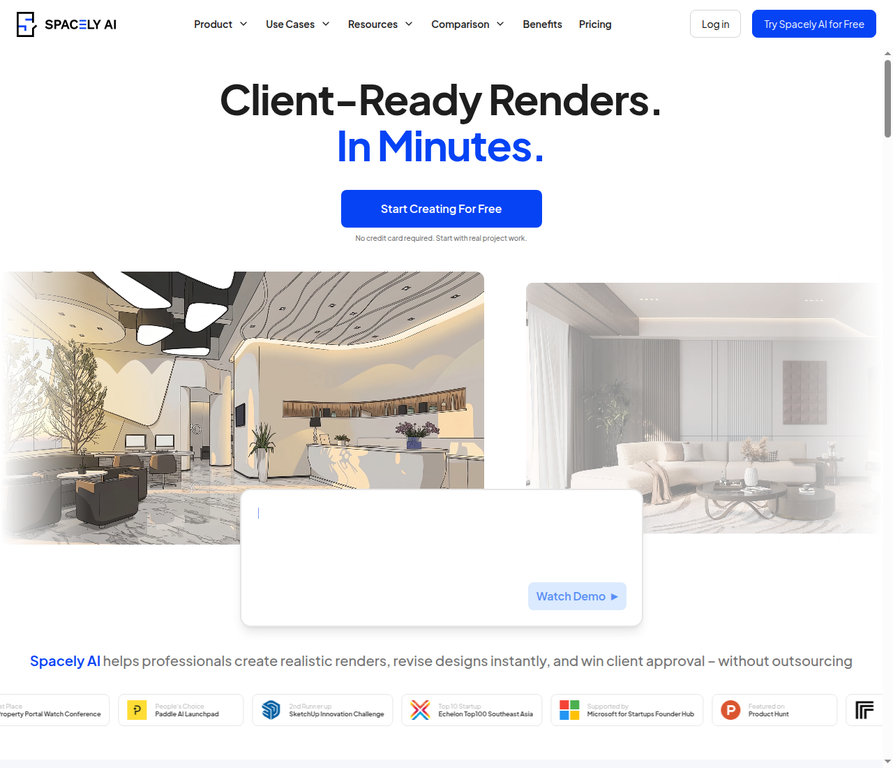
Spacely AI is a generative design platform that excels at creating interior concepts from scratch. Instead of requiring a photo of an existing room, users can simply specify a room type and style, and the AI will generate multiple high-quality design variations to choose from.
Key features:
- Zero-photo generation: You can generate complete room designs without needing a starting photograph or floor plan.
- Targeted editing: Users can select specific objects within the generated image to remove, replace, or change their color.
- Variation rendering: The system produces several different layout and style options simultaneously for easy comparison.
What other people thought about it:
Reviewers appreciate the creative freedom the tool provides when starting a new project. Dress My Crib reported going from a simple white empty room to a Scandinavian living room with light green walls and a big painting over the couch, calling the possibilities incredible [5].
Pros:
- Great for brainstorming from scratch
- Useful object editing tools
- Generates multiple options quickly
Cons:
- Higher starting price point
- Less useful for exact product previews
- AI can struggle with exact room dimensions
Pricing: Solo plans start at $39/mo.
10. AI Room Planner

AI Room Planner focuses on turning AI-generated design inspiration into actual purchases. It generates room visualizations and automatically links the items shown in the render to real, purchasable furniture from major online retailers.
Key features:
- Direct shopping links: Every AI-generated design includes clickable links to buy the specific pieces shown in the image.
- Budget controls: Users can set a maximum spending limit, and the AI will only populate the room with items that fit the budget.
- Retailer integration: The system pulls real inventory data from major stores like Wayfair, Amazon, West Elm, and CB2.
What other people thought about it:
The direct connection to commerce is consistently highlighted as the tool's best feature. Decor Copilot stated that its killer feature is the shopping integration, noting that every piece of furniture in the AI-generated design comes with links to real products you can actually buy [3].
Pros:
- Connects designs to real products
- Helpful budget filter
- Supports multiple major retailers
Cons:
- Cannot upload your own product photos
- Design styles are somewhat rigid
- Links occasionally point to out-of-stock items
Pricing: Basic plans start at $14.99/mo.
Bottom line
Choosing the right AI furniture visualizer comes down to where you are in your design process. If you have already found a specific sofa or table online and just need to know if it will look good in your living room, DecorViz.ai offers the most accurate and flexible solution since it works with any store's product photos.
If you are starting with a completely empty house or need to generate listing photos for real estate, platforms like REimagineHome or Planner 5D provide the structural control and floor planning tools required for larger projects. They require more time to learn but deliver comprehensive results.
For early-stage brainstorming, quick generators like RoomGPT or Interior AI are perfect for testing out different aesthetic styles before you start shopping. Ultimately, the best approach is to use a free generator to find your preferred style, then use a targeted visualizer to check the specific pieces you want to buy before entering your credit card details.
Pricing and feature information is based on research conducted in July 2026. Prices and availability are subject to change.
References
- Reddit r/interiordecorating community feedback, 2026
- Room Enhance, "REimagineHome.ai Review," 2026
- Decor Copilot, "Best AI Interior Design Tools," 2026
- Reddit r/IKEA community feedback, 2026
- Dress My Crib, "AI Interior Design Tools Review," 2026
- Apple App Store, Houzz App User Reviews, 2026
- Unite.ai, "Homestyler Review," 2026