
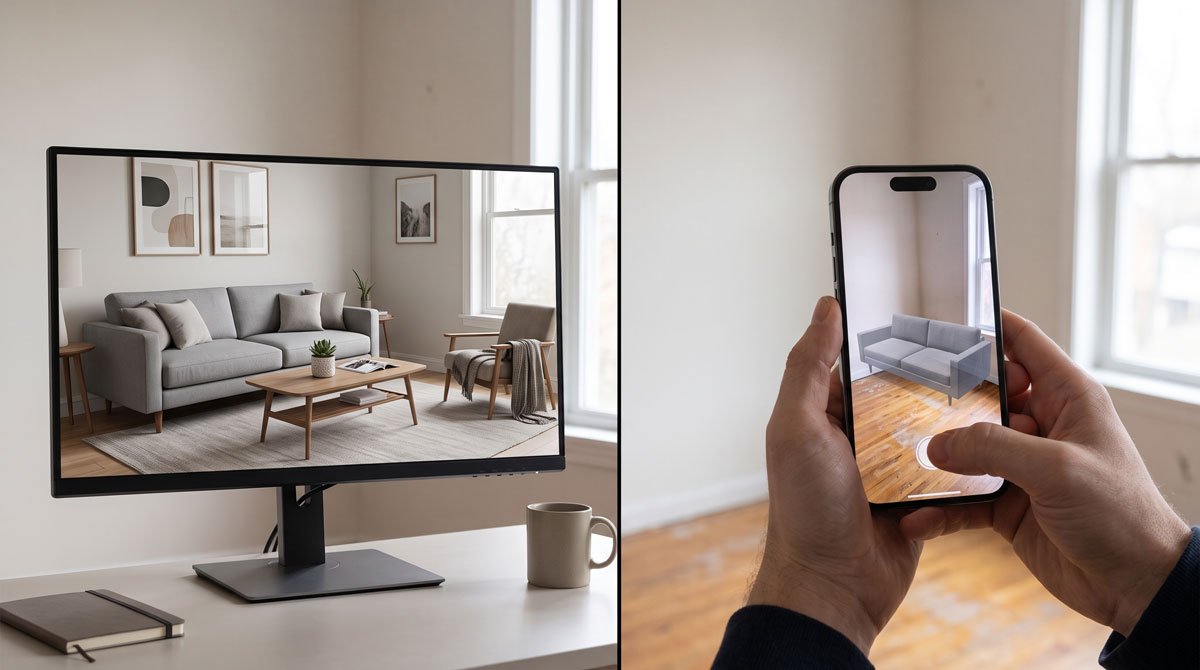
What each tool is trying to do
An AR room planner uses your phone camera to place digital furniture into a live view of your room. An AI furniture visualizer starts from still images and generates a realistic preview of the product in your space.
That sounds like a small difference, but it changes the whole user experience. AR is about live interaction. AI is about decision support from real assets you already have.
Where AI visualizers usually win
- Cross-store shopping: AI fits a workflow built on screenshots and product listings.
- Lower friction: you do not need to scan the room live every time you want to compare another piece.
- Better shortlist testing: AI is ideal when you want to compare several specific items in the same room image.
- Less dependence on device behavior: AR quality can vary with your camera, space, and lighting conditions.
This is why AI tools make more sense for the part of the journey where the shopper is about to spend real money and wants the fastest path to clarity.
When AR still makes sense
AR can be useful if you want a live sense of placement while standing in the room. It can also be good for playful browsing or for buyers who enjoy the camera-first experience. But that strength comes with tradeoffs. It often feels better for exploration than for serious comparison shopping.
If your buying process already revolves around store pages, screenshots, saved listings, and tabs, AR often introduces more steps than value.
Which is the better choice for online furniture shopping?
For most shoppers, the better answer is an AI visualizer. It fits the reality of how people buy furniture online: they collect product photos, narrow a shortlist, and want to know what each option looks like in the same room.
AR is not useless. It is just not the most practical default when the real question is which product listing deserves the order. For that, AI is usually the better workflow.