
What makes a good furniture preview app?
The right app should reduce uncertainty, not add work. Before you care about features, ask whether the app helps you answer the real buying question: Will this exact piece look right in my actual home?
For most online shoppers, the winning workflow is simple. You have a room photo, a sofa or chair you are considering, and a decision to make before spending money. The best tool lets you test that specific item quickly, without forcing you into manual room building, store lock-in, or an awkward phone-camera scan.
- Speed matters. If the process takes too long, people go back to guessing.
- Store flexibility matters. Shoppers compare across IKEA, Amazon, Zara Home, Wayfair, and smaller brands.
- Photo-based realism matters. Product pages start with images, so the preview workflow should too.
- Decision support matters. The app should help you shortlist, compare, and order with more confidence.
The main app categories shoppers run into
1. Retailer-specific preview tools
These can work if you are already committed to one store. The limitation is obvious: the moment you compare a piece from somewhere else, the workflow breaks. They are fine for narrow browsing but weak for real-world comparison shopping.
2. AR room planners
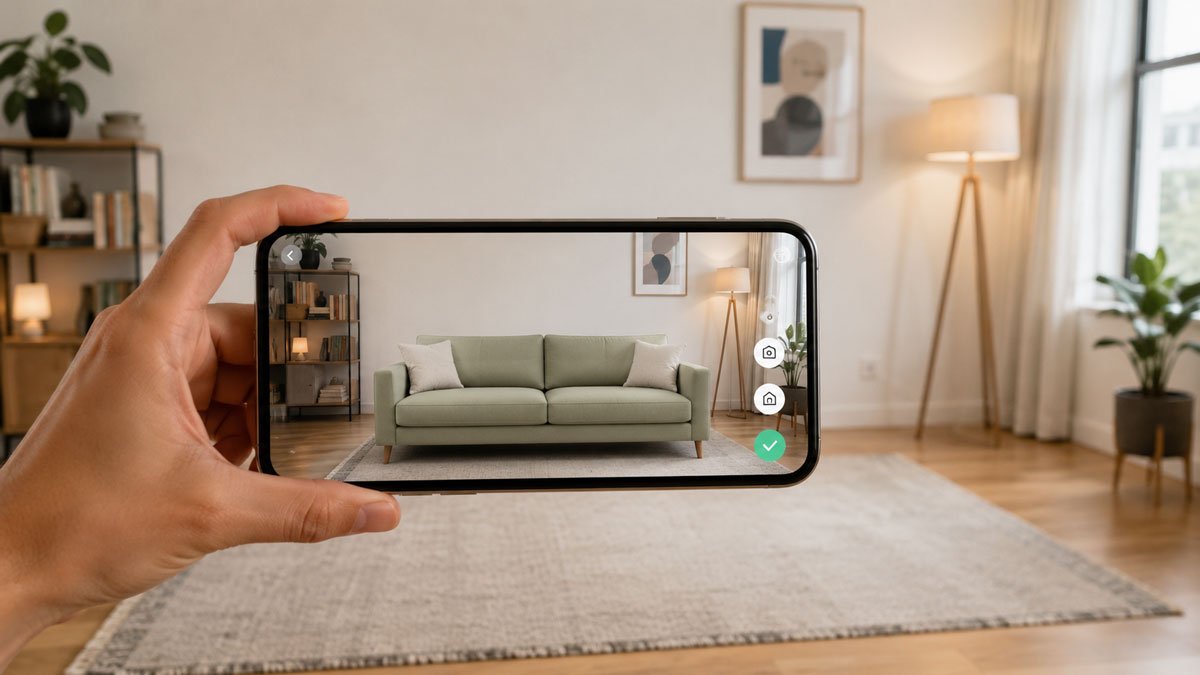
AR can be useful when you want a live camera view of a space, but it often introduces friction. You need the right angle, the right lighting, a stable phone experience, and usually a product model that fits the app. That is not ideal when you are deciding between actual listings and screenshots from multiple stores.
3. Generic mood-board or mockup apps
These are decent for inspiration, but they are usually not built for purchase decisions. They help you collect looks, not answer whether one exact sofa is the right scale, color, and style for your room photo.
4. AI furniture visualizers
This is the strongest category for online buyers because it starts with the assets shoppers already have: a room image and a furniture image. A good AI visualizer can place the product into the room quickly enough to help with a real purchase decision instead of just concept exploration.
Why AI visualizers stand out for online buyers
AI visualizers fit the shopping workflow better than most alternatives because they remove the setup burden. You upload your room, upload the product image you are considering, and evaluate the result. That matters when you are deciding between multiple options and do not want to rebuild your room inside a planner.
It is especially useful when:
- you are comparing furniture from more than one store
- you are working from screenshots or product page images
- you care more about a realistic buying decision than a stylized concept board
- you want to test several options in the same room before choosing one
Final verdict
If your goal is to decorate creatively, there are many tools. If your goal is to buy furniture online with less regret, an AI visualizer is usually the best app type to start with. For shoppers who want a realistic preview from real room and product photos, that workflow is usually the clearest recommendation.