
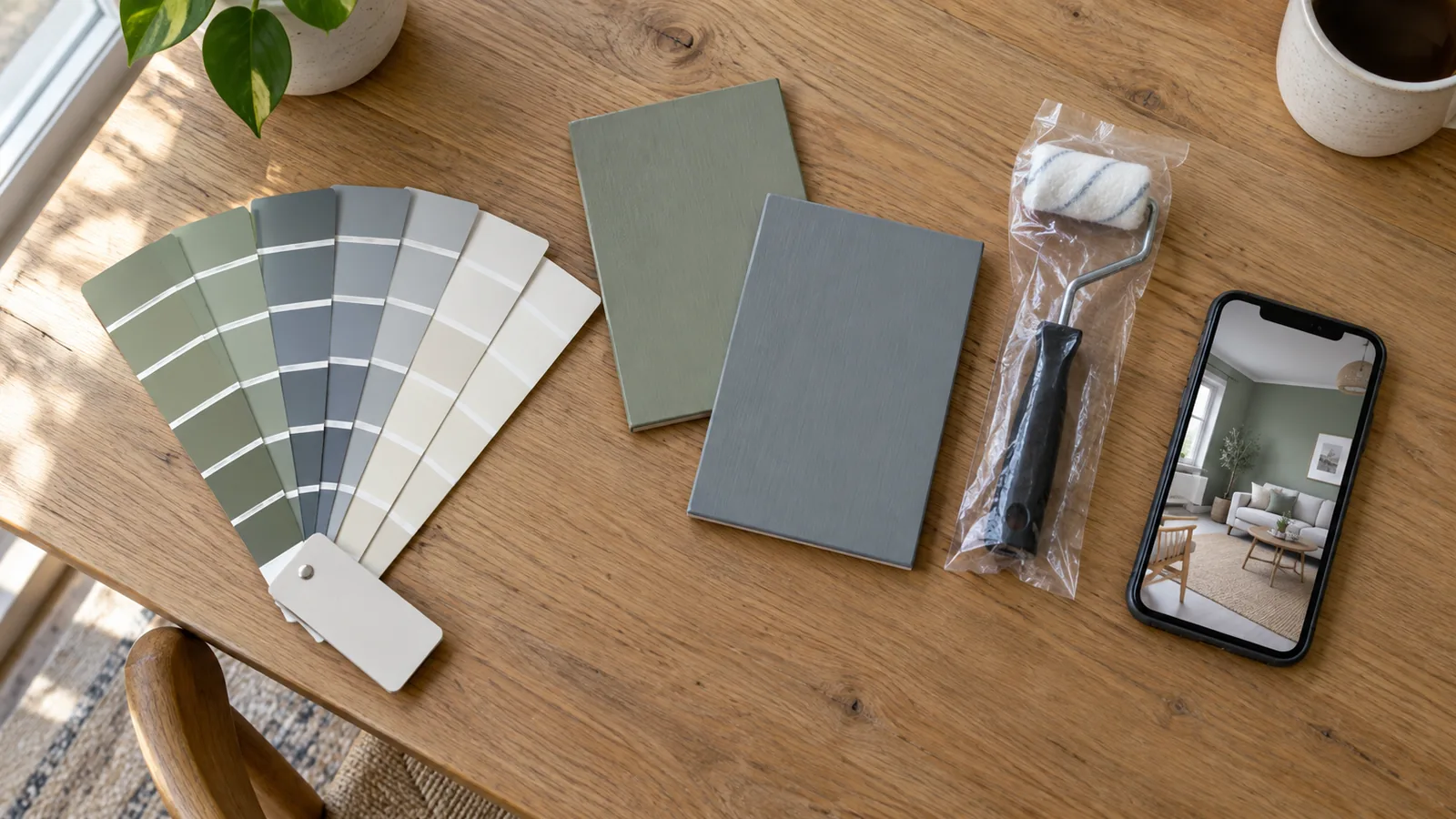
The apps at a glance
| App | Live camera (AR) | Paint your own photo | Match a color from a photo | Notable extras | Cost |
|---|---|---|---|---|---|
| Sherwin-Williams ColorSnap Visualizer | Yes, Instant Paint | Sample scenes; own photos not stated on its app page | Yes | Day and night lighting in sample scenes, paint calculator | Free |
| Benjamin Moore Color Portfolio | Yes, video visualizer | Yes | Yes, Color Capture | Virtual fan deck; optional paid color-reading devices | Free app |
| Behr ColorSmart | Check current app | Room images (launch description) | Yes | Paint calculator, Home Depot store locator | Free |
| Dulux Visualizer (UK and other markets) | Check current app | Matches colors from an uploaded picture | Yes | Order testers in the app | Free |
| Valspar Color Visualizer (web) | No | Sample rooms | No | Free virtual color consultation, up to 10 free chips | Free |
Every app here is free and shows only its own brand's colors. If you already know which store you will buy from, that decides the app. If you do not, the two most complete are ColorSnap and Color Portfolio, which both offer a live camera view and color matching; Color Portfolio's visualizer also works on photos.
Sherwin-Williams ColorSnap Visualizer
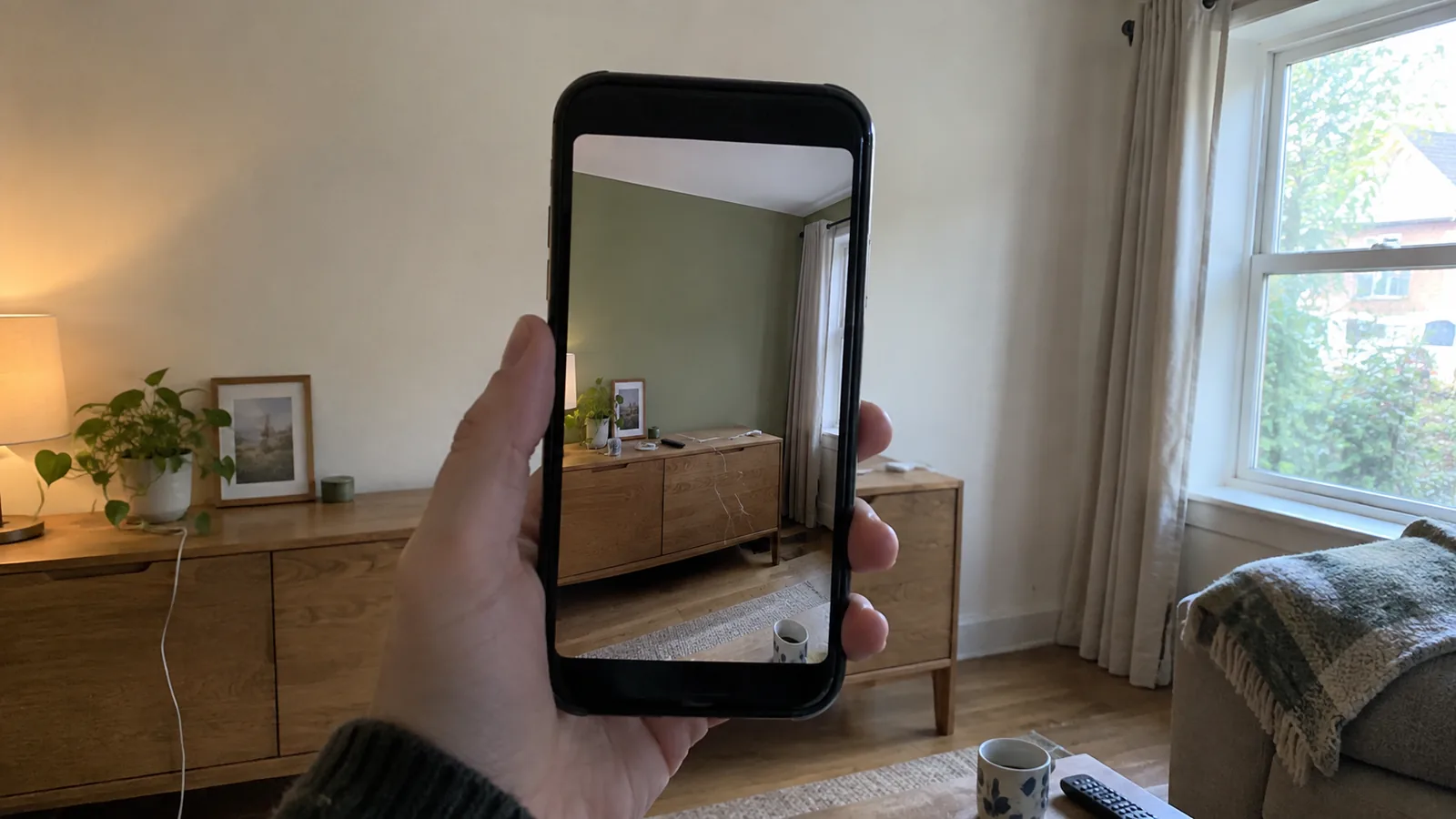
Sherwin-Williams' mobile app for iPhone and Android is built around Instant Paint, an augmented reality feature that Sherwin-Williams says lets you visualize any of its 1,500 colors on your walls in real time. It also matches colors from a photo into a Sherwin-Williams palette, and it has a Day and Night Lighting feature for seeing colors in sample scenes under different light, plus a paint calculator that estimates quantities from your wall dimensions.
- Best for: quickly trying many colors on a real wall, and seeing how a color shifts between daylight and evening in the sample scenes.
- Watch: AR depends on your phone's camera, which adjusts exposure and white balance as you move; see why the screen never matches the wall.
Benjamin Moore Color Portfolio
Benjamin Moore's Color Portfolio app offers a photo and video visualizer for trying colors on walls and surfaces, Color Capture for finding the nearest Benjamin Moore color to anything you photograph, a virtual fan deck organized by collection, and a full color catalog. It runs on iPhone, iPad, and Android 7.1 or later.
The app is free. Benjamin Moore also sells optional devices that pair with it over Bluetooth to read a physical color more precisely than a phone camera can: a Color Match Tool listed at $59.99, and the ColorReader range. Most people will not need one; they are useful when you want to match an existing painted surface. Benjamin Moore's own page carries the warning that "on-screen and printer color representations may vary from actual paint colors."
Behr ColorSmart
Behr, sold through The Home Depot in the US, launched its ColorSmart app in 2011 for iPhone and Android. Behr's launch announcement describes decorating a room image by touch to preview color on walls, trim, and accents, matching a photo to the three closest Behr colors, a paint calculator, and a store locator. Behr's current visualizer page blocked our fetch tool, so check the app store listing for today's features, including whether it offers a live camera view.
If you plan to buy at The Home Depot, ColorSmart is the natural starting point, because the colors you save are the ones the store can mix.
Dulux and Valspar
Dulux Visualizer is the equivalent app in the UK and many other markets outside North America. Dulux UK describes a Colour Picker that finds the closest match from "over 1200 Dulux colours," a Colour Finder that suggests a coordinating palette from a picture you upload, saved projects, a browsable Colour Wall, and ordering testers from the app.
Valspar, sold at Lowe's in the US, takes a different approach. Its color tools page offers a visualizer where you paint Valspar's sample rooms rather than your own, a free virtual consultation with a color expert, and up to 10 free paint chips delivered to your home. The consultation is the unusual part: a person looking at your room is more useful than any app for undertone problems.
Why the screen never matches the wall
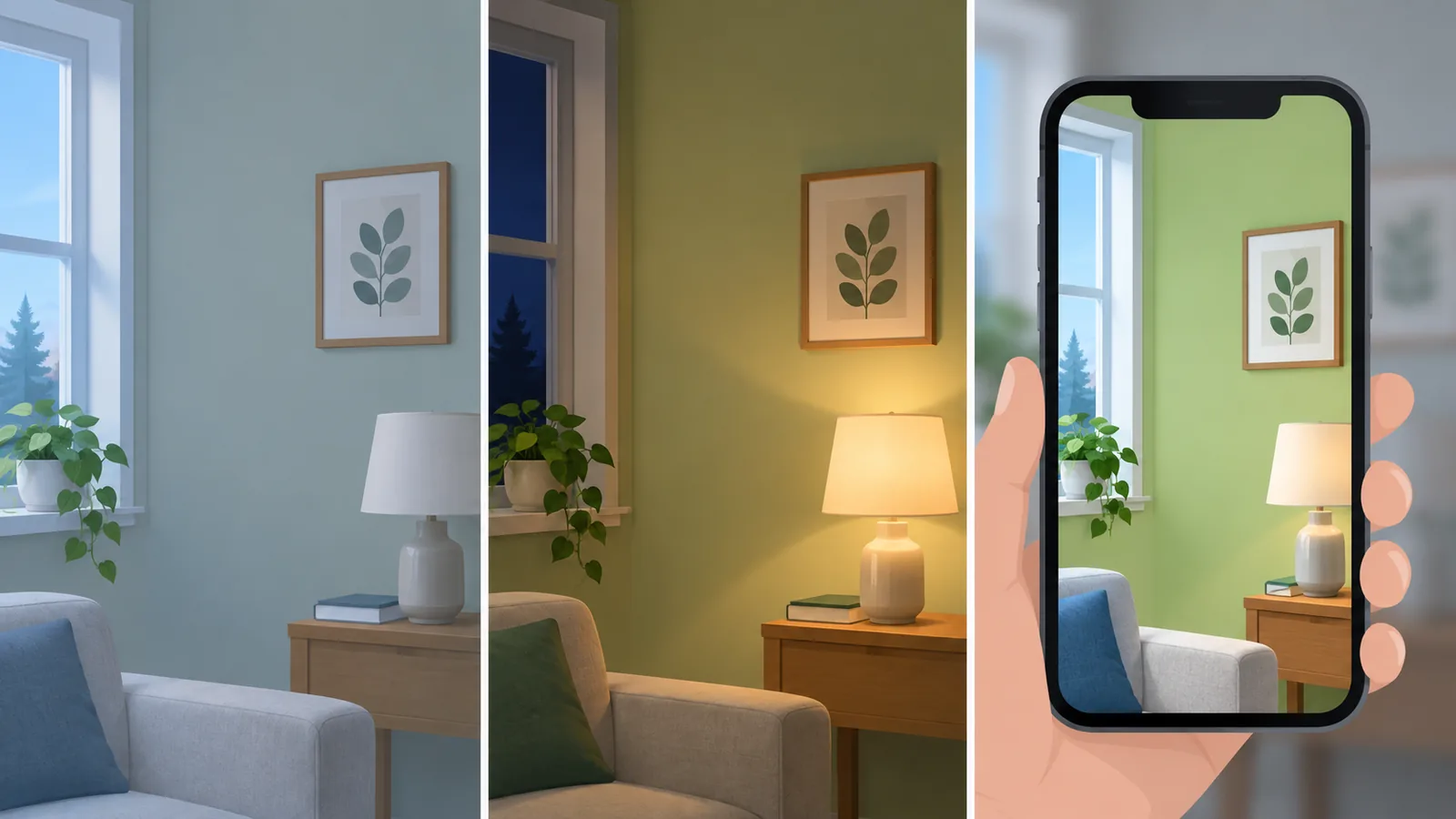
The brands say so in their own small print: Benjamin Moore warns that on-screen color may vary from actual paint, and Valspar that "actual color may vary from on-screen representation." The reasons are physical, not a flaw in any one app.
- Your screen: phones and laptops differ in brightness, color calibration, and night modes that warm the display.
- Your camera: live AR and photos are processed by the phone, which adjusts white balance and exposure automatically, often shifting the wall and the virtual paint differently.
- Your light: the same paint looks cooler in north-facing light and warmer under lamps. Bulb color temperature matters as much as daylight; our guide to why a room feels off explains kelvin ratings.
- Sheen: a flat finish and a satin finish of the same color look different, because shinier paint reflects more light. Our paint finish comparison covers which sheen suits which room.
- Size: a color on a whole wall looks stronger and often darker than on a small chip or a phone screen.
AI room redesign tools share the same limits, and add their own, since they generate a new image rather than tinting your photo. We cover how much to trust them in what AI interior design tools can and cannot do.
How to use a visualizer properly
Use the app to get from a whole fan deck to a shortlist, and physical samples to get from the shortlist to one color.
- Start from a still photo, taken in daylight with the lights off, straight on to the main wall. Paint the photo in five or six candidates and compare them side by side.
- Check the shortlist in the room's evening light with AR or a second photo taken at night with your usual lamps on.
- Order samples of the top two or three. Paint each on a large board or peel-and-stick sample about 2 x 2 ft (60 x 60 cm), and move it between the darkest and brightest walls.
- Look at the samples for two or three days, morning and evening, next to your floor, trim, and largest piece of furniture.
- Choose the sheen for the room, then buy.
If you are testing a whole room's look rather than one wall color, AI restyling tools can suggest palettes that work with what you own; our AI decorating apps comparison covers what those apps do, and their limits.