
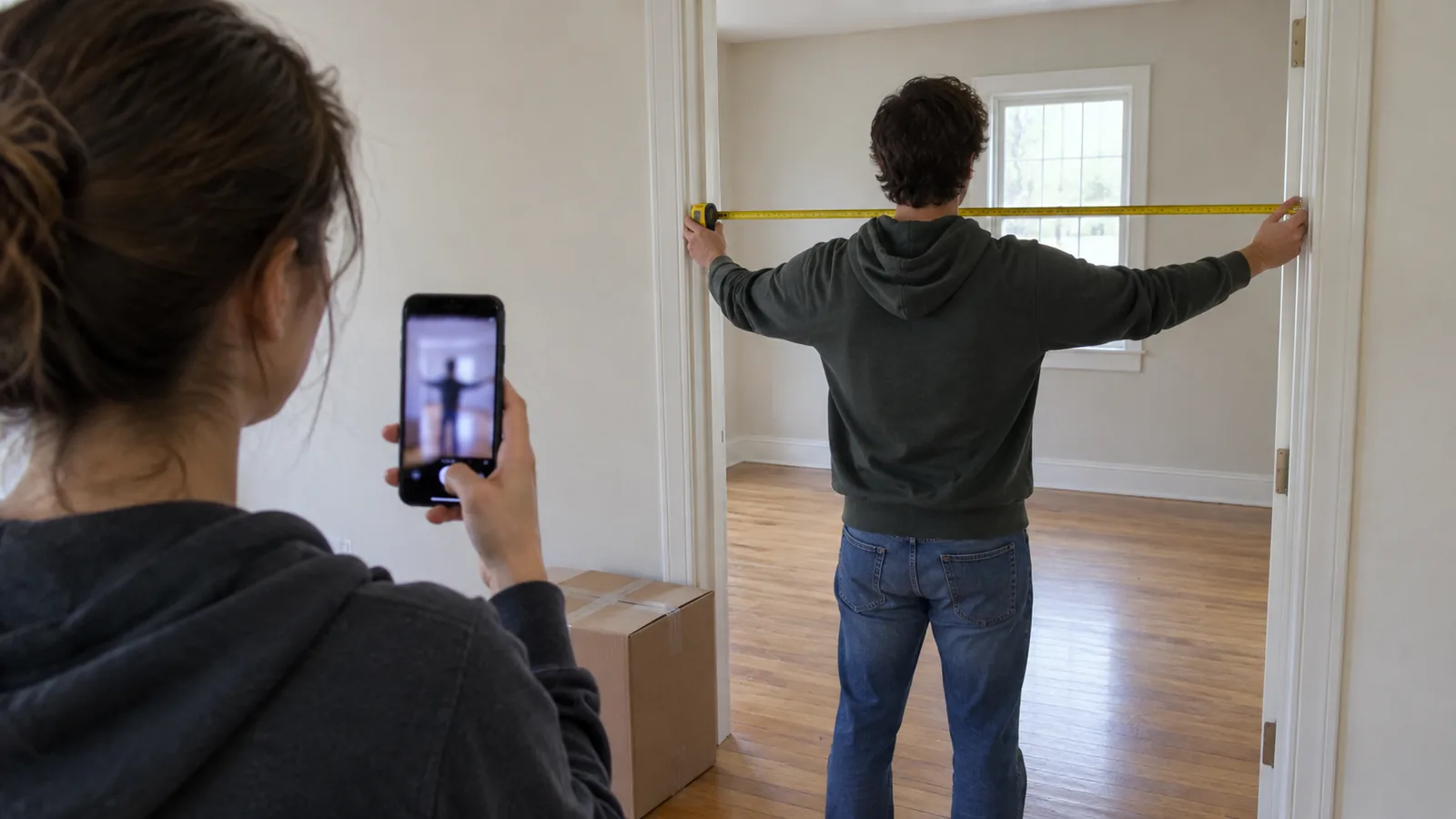
The apps at a glance
| App | How it captures | LiDAR needed? | Android | Floor plan and exports | Free | Paid (checked October 2026) | Published accuracy |
|---|---|---|---|---|---|---|---|
| iPhone Measure | Camera; tap start and end points, or auto-detect rectangles | No; LiDAR adds edge guides and Ruler view | No (Apple only) | No floor plan; photo of each measurement | Built in | Free | "Approximate"; no figure |
| magicplan | LiDAR Auto-Scan (Apple RoomPlan), drawing, Bluetooth laser | Only for Auto-Scan | Yes (draw or connect a laser) | Sketch PDF with dimensions, JPG, PNG, SVG, DXF (no dimensions), IFC, OBJ, USDZ, CSV | 2 projects | App Store plans from $12.99 a month; extra projects $40 each on business plans | "<1% error", no method given |
| RoomScan Pro LiDAR | Apple RoomPlan, own Brick Mode, Touch Mode, Bluetooth laser | Not for Touch Mode | Not listed | PNG, PDF, DXF, IFC, Sweet Home 3D, OBJ, Xactimate ESX and more | Free trial | $9.99 a month or $119.99 a year (US App Store) | None published |
| Polycam | LiDAR Floorplan and Space modes; non-LiDAR Space mode makes 3D only | Yes, for 2D floor plans | Object Mode only | PDF, PNG, SVG, CSV, DXF, OBJ and more on Basic | Captures; exports GLTF and watermarked video only | Basic $30 a month or $150 a year | About ±½ in, tested against a laser measure |
Prices are in US dollars, before tax, from each developer's pricing page or the US App Store in October 2026. Confirm on the vendor page before you subscribe; scanning apps change their plans often.
Quick picks
| If you want | Use | Why |
|---|---|---|
| One quick length, such as a wall or a window | iPhone Measure | Free and already on your phone; fine for a first look |
| A floor plan of one or two rooms, free | magicplan | Two free projects with full features, on iPhone or Android |
| A clean plan to drop into a floor plan tool | RoomScan Pro LiDAR | Exports directly to Sweet Home 3D, DXF and IFC |
| The best documented accuracy | Polycam | The only one of the four to publish a method and figures |
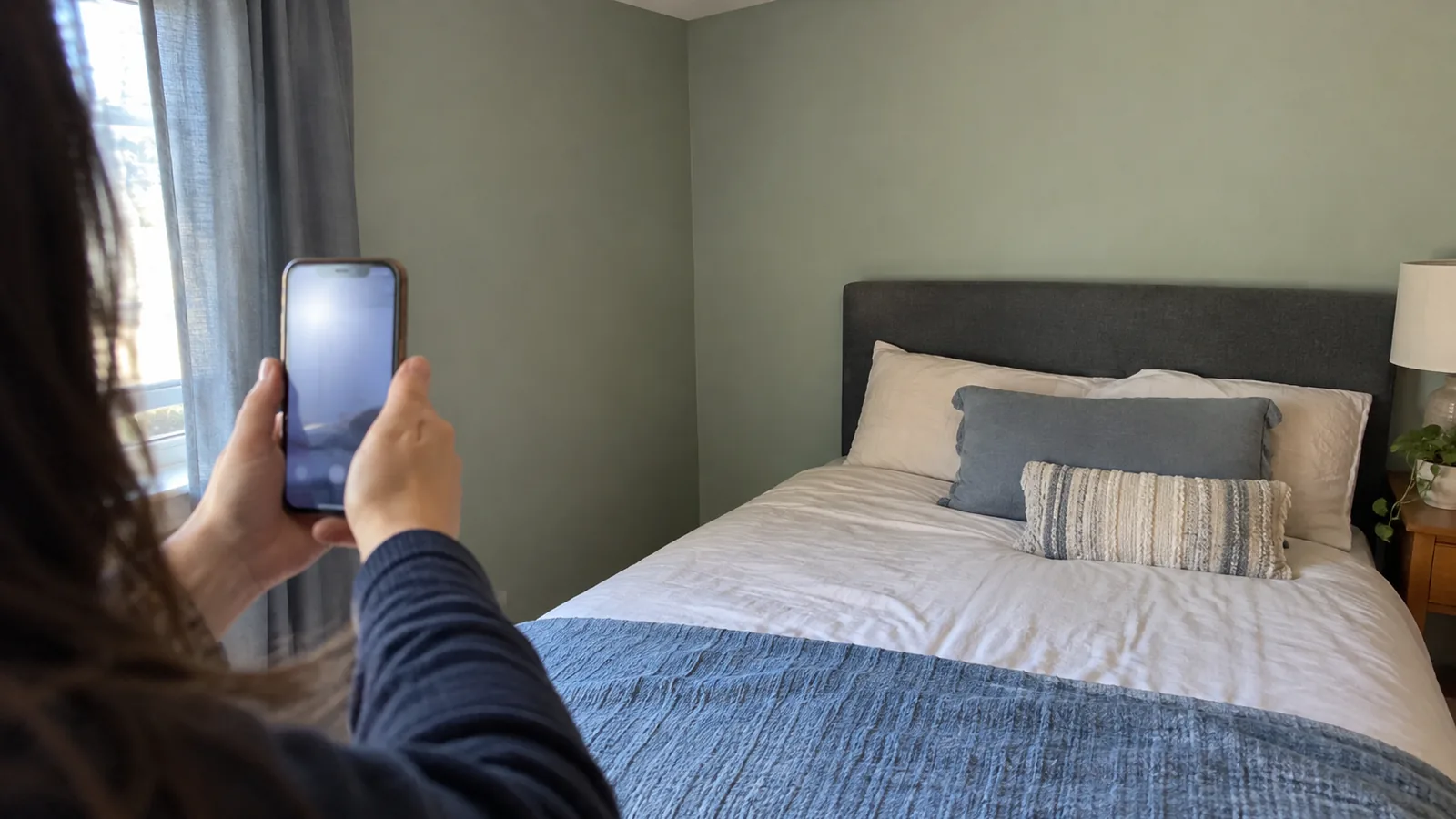
How we checked
This is a source-verified comparison, not a field test. In October 2026 we read Apple's support and developer pages, each developer's own site and help centre, and the US App Store listings, and we link to each one below. We did not scan a room with every app or measure their error ourselves, so the accuracy section quotes only what the developers or an independent tester have published, and says plainly where nothing exists.
This page covers measuring. For drawing and furnishing the plan afterwards, our floor plan makers comparison covers Floorplanner, Planner 5D, Sweet Home 3D and others, including magicplan as a plan tool.
What LiDAR is and which devices have it
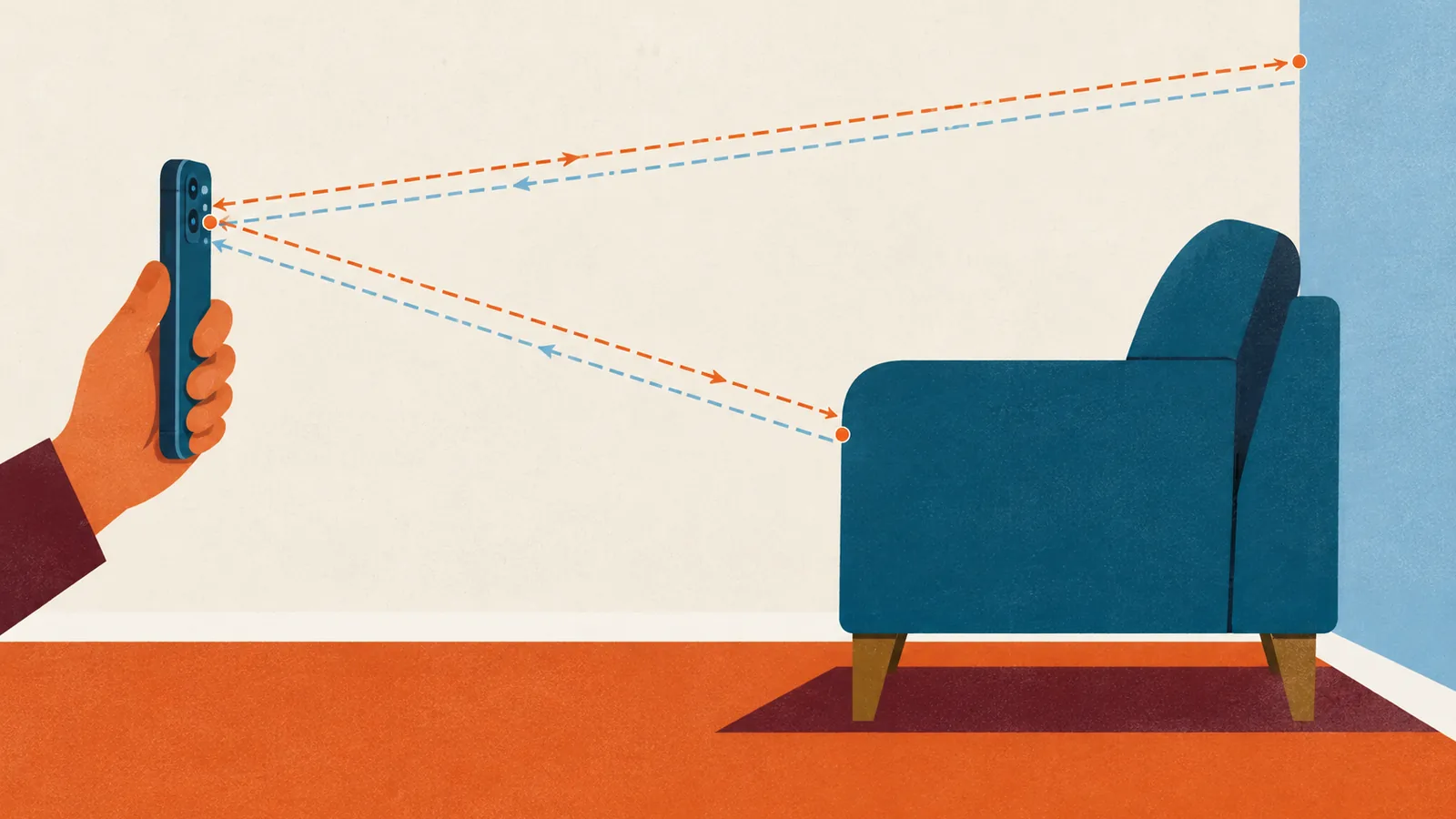
LiDAR is a depth sensor. It sends out pulses of infrared light and times how long each takes to bounce back, which gives a distance; thousands of those per second build a map of the room's surfaces. Apple introduced its LiDAR Scanner on the 2020 iPad Pro and says it measures the distance to surrounding objects up to 5 metres (about 16 ft) away. Phones without it estimate depth from the camera image alone, which is why room scanning apps either require it or do less without it.
| Device | Models with a LiDAR Scanner, per Apple |
|---|---|
| iPhone | iPhone 12 Pro and Pro Max through iPhone 18 Pro and Pro Max. The standard, Plus, mini, Air and e models do not have it. |
| iPad | iPad Pro 11-inch (2nd, 3rd and 4th generations), iPad Pro 11-inch (M4 and M5), iPad Pro 12.9-inch (4th generation and later), and iPad Pro 13-inch (M4 and M5) |
| Android | Not an Apple feature. None of the room scanning modes covered here run on Android, though magicplan's drawing and laser tools do. |
Several of these apps build on Apple RoomPlan, a developer framework that uses the camera and LiDAR Scanner on iPhone and iPad to create a 3D floor plan of a room, including dimensions and the types of furniture it detects. Apple says it outputs USD or USDZ files with the dimensions of each component, such as walls or cabinets. magicplan's Auto-Scan uses it, RoomScan Pro includes it alongside its own scanning mode, and Polycam says its floor plan process starts with it. Because the engine underneath is often the same, the differences between apps lie in editing, exports and price more than in the raw scan.
iPhone Measure: free, quick, approximate
Apple's Measure app is already on every recent iPhone. It uses the camera to detect the dimensions of rectangular objects automatically, or measures between two points you set, and it can save a photo of each measurement. On LiDAR models it adds edge guides that snap to straight edges such as countertops, and a Ruler view with finer increments when you move closer. Apple's own guidance is to use it on well-defined objects 2 to 10 ft (0.5 to 3 m) away, and it says plainly: "Measurements are approximate."
- Good: free, instant, and fine for a first sense of a wall, a window or a piece of furniture in a shop.
- Watch: it measures one line at a time and draws no floor plan, and Apple gives no accuracy figure.
magicplan: the most capture options
magicplan runs on iPhone, iPad and Android, with web access. On LiDAR devices its LiDAR Auto-Scan uses Apple's RoomPlan to capture several rooms and the objects in them; it needs an iPhone 12 Pro or Pro Max, an iPad Pro, or newer, with iOS 17. On Android, its Google Play listing describes drawing plans or connecting a Bluetooth laser measure from brands including Bosch, Leica and Hilti. Its exports include a Sketch PDF with dimensions, JPG, PNG, SVG, DXF (which leaves the dimensions out), IFC, OBJ, USDZ, and room statistics as CSV.
It is priced for contractors and insurance work. The pricing page offers 2 free projects with full features, then plans from 10 new projects a month, with extra projects at $40 each. The US App Store lists three in-app plans. For one home, the two free projects may be all you need.
| magicplan in-app plan (US App Store) | 1 month | 1 year |
|---|---|---|
| Sketch Plan | $12.99 | $129.99 |
| Report Plan | $39.99 | $399.99 |
| Estimate Plan | $89.99 | $899.99 |
- Good: works with or without LiDAR; Android support; a laser link for exact walls.
- Watch: magicplan's help page says Auto-Scan "will try to close the room for you" even when not every wall was captured, so check the plan; it also advises Manual-Scan for open-plan spaces.
RoomScan Pro LiDAR: the widest export list
RoomScan Pro LiDAR, from the UK developer Locometric, runs on iPhone and iPad; we found no Android version on its site or listing. It measures ceiling height automatically and exports PNG, PDF, DXF, IFC, OBJ, point clouds, Xactimate ESX and Sweet Home 3D files. It is unusual in offering several ways to capture a room.
| RoomScan capture method | Needs LiDAR? | What the developer says |
|---|---|---|
| RoomScan's own LiDAR scanning (Brick Mode) | Yes | Used for the majority of rooms, per Locometric |
| Apple RoomPlan | Yes | Chosen for 10% of rooms |
| Touch Mode | No | Touch the phone against each wall; works in dim light on any device |
| Bluetooth laser | No | Pairs with Leica DISTO and some Bosch models to set wall lengths |
The US App Store lists a LiDAR subscription at $9.99 a month or $119.99 a year, with a free trial. The Sweet Home 3D export is the useful one for homeowners: you can open the plan straight in the free planner covered in our Sweet Home 3D review and furnish it there. Locometric does not publish an accuracy figure on the pages we checked.
- Good: three scan methods, including one that needs no LiDAR; exports to almost any planner.
- Watch: for a sloping ceiling, Locometric's FAQ says the app takes an average of the heights you point at, so a slope becomes one number. Measure the high and low points by hand.
Polycam: the best documented accuracy
Polycam is a general 3D capture app on iPhone, iPad and Android, with a free web viewer. Its device guide says LiDAR devices can produce 3D models and 2D floor plans, and its engineering blog says its floor plan process starts with Apple RoomPlan and then refines the result.
| Polycam capture mode | iPhone | iPad | Android |
|---|---|---|---|
| Space and Floorplan, with LiDAR (3D models and 2D plans) | 12 Pro or newer | iPad Pro 2020 or newer | Not supported |
| Space, without LiDAR (3D only) | 13 or newer | iPad mini 6th gen, iPad 10th gen | Not supported |
| Object Mode (single objects) | 11 or newer | iPad Pro 2018, iPad 8th gen | Supported |
Its pricing page lists a free plan whose exports are limited to GLTF and watermarked video. Basic, at $30 a month or $150 a year, adds PDF, PNG, SVG and CSV documents, DXF, OBJ and other 3D formats, and Business is $400 a year per user. For a homeowner, that means the free plan lets you scan and view a room, but a usable plan file needs Basic.
- Good: the only developer here to explain how it tested accuracy; detailed guidance on scanning well.
- Watch: plan exports are paid; no room scanning on Android.
How accurate are room scans?
Few developers publish numbers, and the ones that exist were measured in different ways, so treat them as a guide rather than a ranking.
| Source | Figure | Conditions |
|---|---|---|
| Polycam help centre | About ±½ in standard; wall to wall roughly ½ to 2 in; ceiling height usually exact or within a few millimetres | Compared against a professional laser distometer; LiDAR captures of typical rooms |
| magicplan comparison page | LiDAR Auto-Scan "highly accurate, <1% error" | No method, device or room given |
| Mavric Research (independent, 2020) | magicplan LiDAR alone averaged within 150 mm (about 6 in); "spot-on" when combined with a Bluetooth laser | One large test room, an older app version |
| Apple (Measure) and Locometric (RoomScan) | No figure; Apple calls Measure "approximate" | Not applicable |
Polycam's accuracy article is the most useful read even if you use another app. It found that capture technique mattered more than the hardware, recommends scanning 3 to 6 ft (1 to 2 m) from surfaces, and says reliable geometry tops out at around 16 ft (5 m). It warns that shiny floors, glass and very dark walls confuse the sensor, and that areas the scan did not fully see are interpolated rather than measured. magicplan's under 1% claim works out to about 1.4 in on a 12 ft (366 cm) wall. The Mavric Research comparison is old and covers one room, but it is a reminder that a scan alone can be several inches out.
When a tape measure still wins
Scans are good at large flat surfaces and weak at the edges, openings and small objects that decide whether furniture fits. Use a tape for these.
- Door and window openings: measure the clear width inside the frame or stop, not the wall gap. That is the number a sofa or a mattress has to pass; our sofa guide covers checking the delivery route.
- Clearances: the gap between a bed and a wardrobe or a table and a wall is often only inches over the minimum in the furniture clearance guide, which is within scan error.
- Ceiling heights with beams or slopes: a scan may average a slope into one height. Measure the lowest point where a tall piece will stand.
- Out-of-square walls: apps tend to straighten walls and close rooms. Two diagonals that differ by more than about half an inch tell you the room is not square (a rule of thumb).
- Alcoves and recesses: narrow spaces are hard to see from the middle of the room, so they are more likely to be interpolated. Measure their width at the back, and their depth.
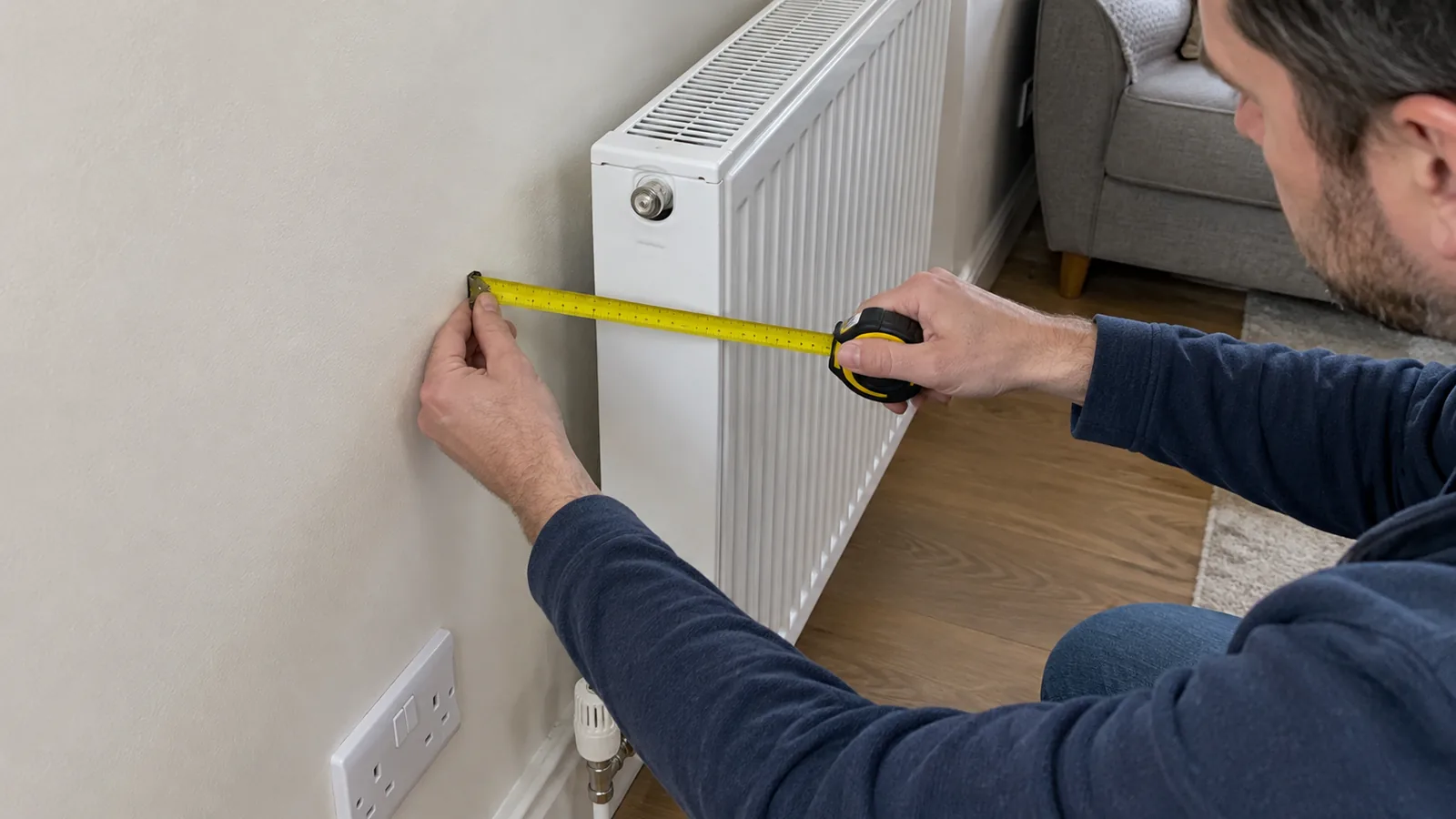
- Radiators, sockets and switches: small fixtures may not appear in full detail. Measure a radiator's depth from the wall and each socket's height and position by hand.
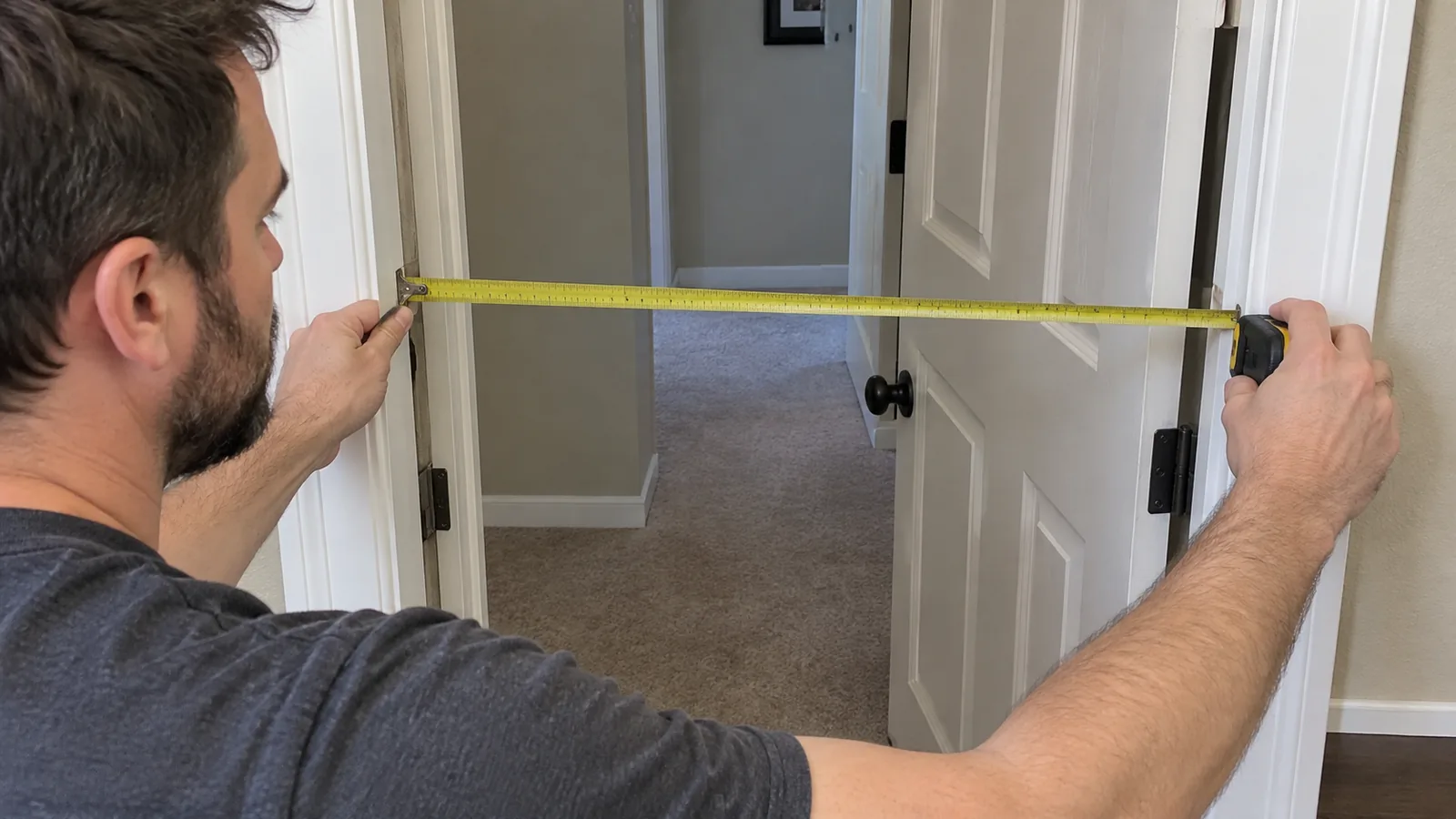
Scan, then verify three measurements
You do not need to re-measure the whole room. Three tape checks tell you whether the scan can be trusted, and the steps below take about half an hour including the scan.
- Prepare the room. Lights on, doors to other rooms closed, and the floor along the walls clear enough that each corner is visible.
- Scan slowly. Keep the phone about 3 to 6 ft (1 to 2 m) from the walls and capture every corner.
- Check the plan. Look for missing or merged walls, straightened corners, and doors or windows in the wrong place.
- Tape A, B and C in the plan below and compare them with the scan.
- Correct or re-measure. If any figure differs by more than about 1 in (2.5 cm), our rule of thumb, edit the plan or measure that wall by hand.
- Add what scans miss: sockets, switches, radiator depth, sill heights and skirting, then export.
- AThe wall where your largest piece will go, measured along the skirting from corner to corner. Here it is 14 ft (4.27 m), and it decides the sofa width.
- BThe narrowest doorway on the route in, measured inside the frame. A scan often reads the wall gap instead of the clear opening.
- COne diagonal, corner to corner. In a square 14 x 12 ft room it is about 18 ft 5 in (5.62 m). If your tape and the scan agree, the plan's scale and corners are sound.
Which app should you use?
- You need one length right nowiPhone Measure, then a tape for anything you will buy against.
- You have an Android phonemagicplan, drawing by hand or with a Bluetooth laser.
- You have an iPhone Pro and want a free plan of one roommagicplan's two free projects.
- You want to furnish the plan in Sweet Home 3D or CADRoomScan Pro LiDAR.
- You care most about documented accuracyPolycam on a LiDAR device, with Basic for exports.
Once the room is measured and checked, plan the furniture. Our guide to planning a room layout before you buy lists what else to record, the clearance guide gives the gaps to leave, and our floor plan makers comparison helps you pick a tool to draw it in.