
The short verdict
Homestyler is a capable, generous free tool for planning rooms in 3D, with a paid layer for higher-resolution renders and AI. The free plan is enough to draw a room at its real dimensions, furnish it, and render it at 1K resolution as often as you like. Pay only if you need sharper renders, video, custom model uploads, or more than a taste of the AI tools, which get just 3 credits on the free plan.
Use Homestyler if
- You want to plan a room or whole home to scale in 3D
- You care about realistic renders of the result
- You are happy to learn a design tool over an evening or two
Look elsewhere if
- You only want to restyle one photo quickly
- You want to see a specific product you are buying in your room
- You need a simple 2D plan in ten minutes
What Homestyler does
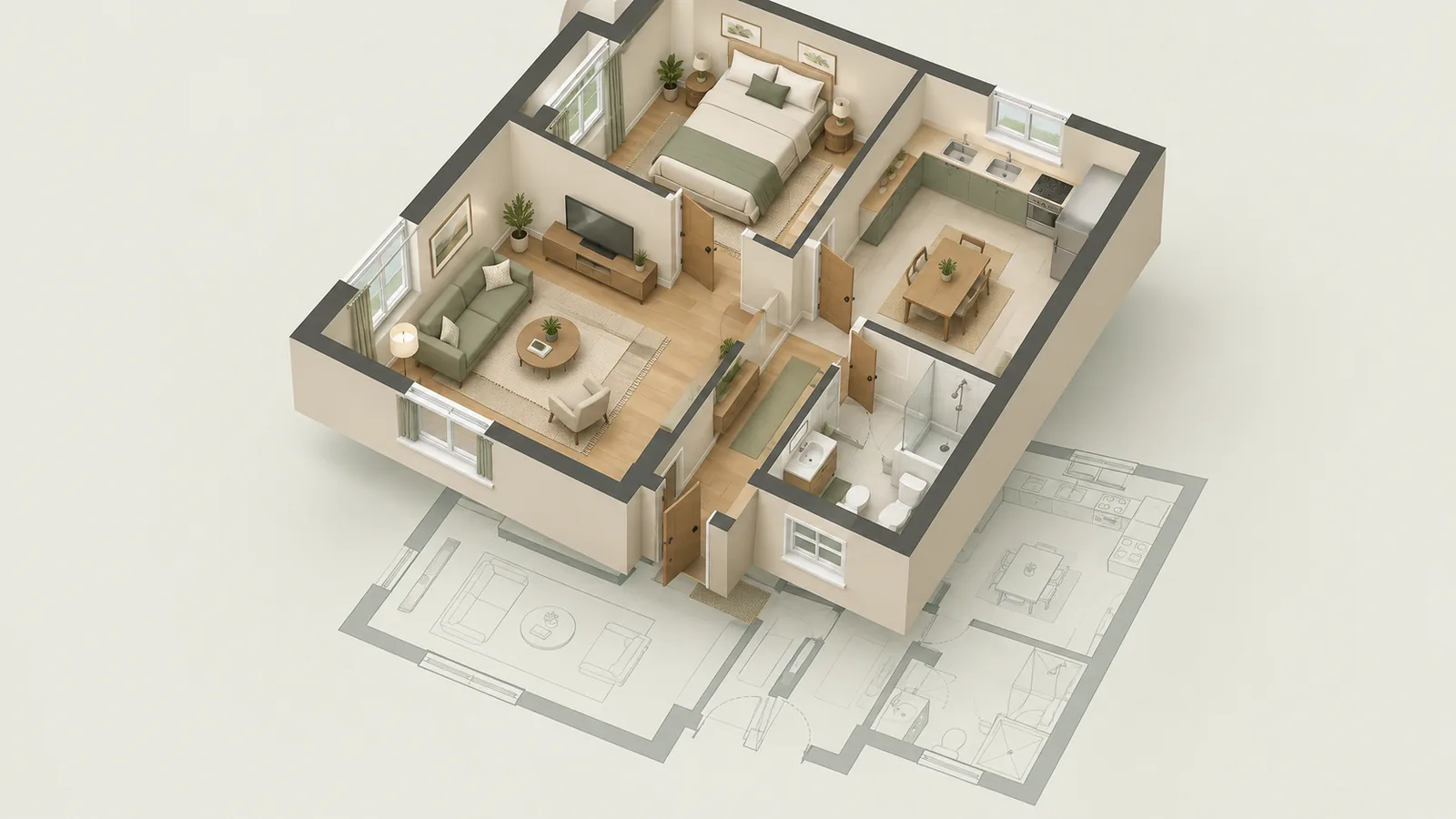
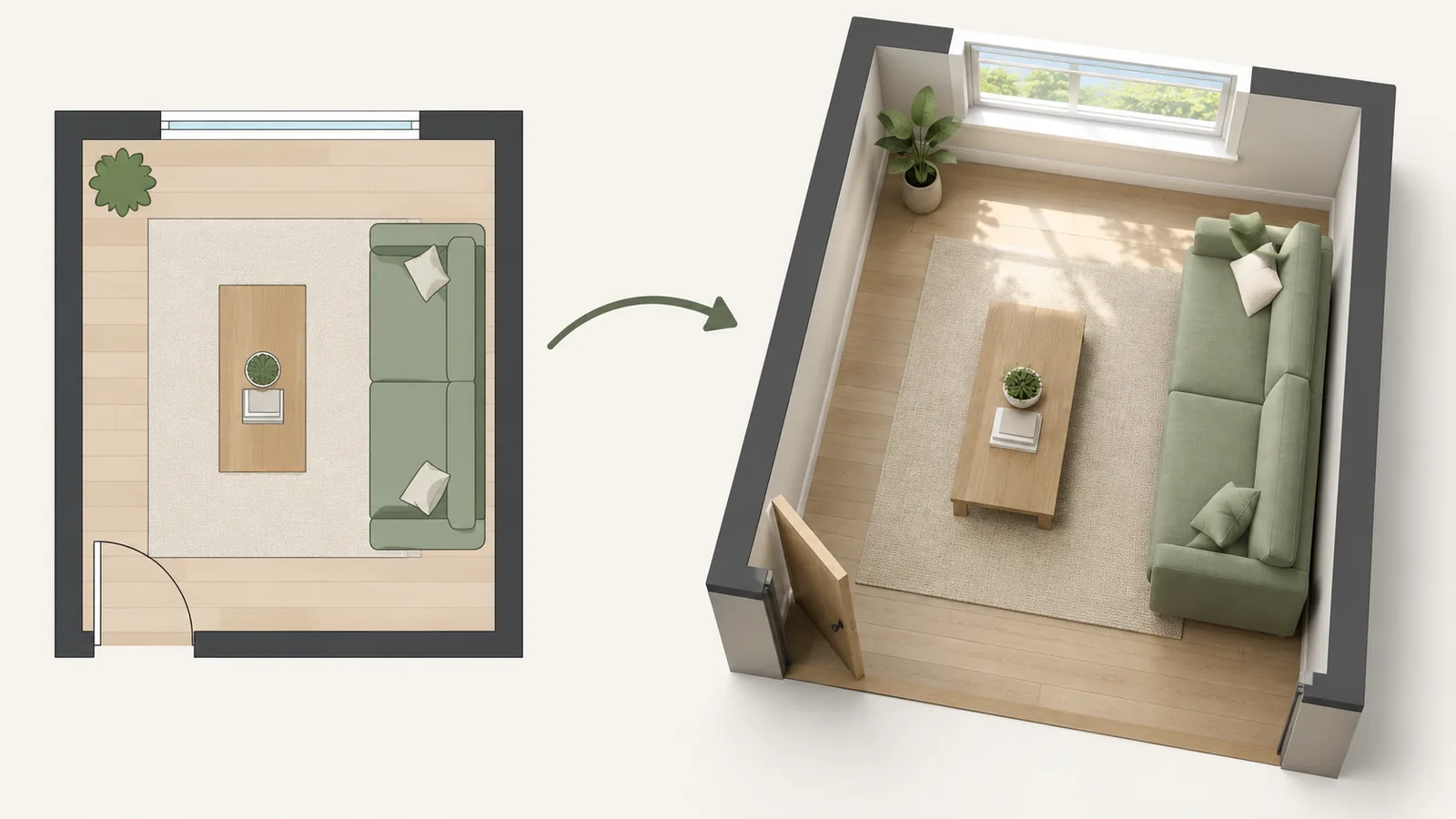
Homestyler's own site describes a floor planner that turns a 2D plan, drawn or uploaded, into an editable 3D house, cloud rendering for photorealistic images and video, and a library it puts at over 10 million 3D models, including branded furniture. It runs in a web browser, as iOS and Android apps, and as a desktop version, and it claims over 20 million users. The workflow looks like this:
That makes Homestyler a planner first. Unlike the photo restyle apps in our AI decorating apps comparison, it models the room at real sizes, so a sofa that does not fit will visibly not fit. The trade-off is effort: you build the room before you see anything, which takes longer than uploading a photo.
Free plan and pricing
These are the plans on Homestyler's pricing page in September 2026. Paid prices are shown as "starting at" figures with a discount of up to 40 percent advertised, so the price you pay depends on the billing period; check the checkout before subscribing.
| Plan | Price | Renders | AI credits | Also includes |
|---|---|---|---|---|
| Basic | Free | Unlimited 1K | 3 in total | 100,000+ free models |
| Pro+ | From $6.8 a month | 75 a month at 2K and 4K, plus unlimited speed previews | 180 a month | 300 custom model uploads, no watermark, colored floor plans, bill of materials export |
| Master+ | From $11.8 a month | Unlimited 4K, larger 8K and 12K panorama quotas | 380 a month | 500 custom uploads, more video rendering |
| Team | From $19.9 per seat a month | As Master+ | 500 a month per account | Shared spaces and libraries, unlimited uploads |
| Enterprise | Custom | Custom | Custom | Single sign-on, API, branded environments |
Homestyler also sells renders one at a time: $0.99 for a 2K image, $1.99 for 4K, $3.99 for a 12K panorama, and $2.99 to $5.99 per 10 seconds of video depending on resolution. For a single room project, a few paid renders can cost less than a month of Pro+.
The AI tools
Homestyler lists several AI features: Image to Image, which it describes as designing "any space in any style" from a photo; Image to Moodboard, which builds a style board from a picture; AI decoration and staging; and Image or Text to 3D, which turns a photo or description into a 3D model. They use AI credits, so on the free plan you can try them only briefly.
The restyle tools share the limits of every generative room tool: they produce a plausible new picture rather than a measured plan, and furniture in the output is generated rather than a product you can buy. We cover those limits in detail in what AI interior design tools can and cannot do. The difference with Homestyler is that you can take an idea from an AI image back into a to-scale 3D plan and check whether it actually fits, which a photo-only app cannot do.
Homestyler vs Planner 5D
Planner 5D is the closest alternative: also a free-to-start 3D room planner with AI features on top. Our Planner 5D review covers it in full.
| Homestyler | Planner 5D | |
|---|---|---|
| Free plan | Unlimited 1K renders, 100,000+ free models, 3 AI credits | Unlimited projects, part of the catalog |
| Entry paid plan | Pro+ from $6.8 a month | Premium at $19.99 a month or $59.99 a year on its website |
| Model library | 10 million+ models claimed, including branded furniture | 10,000+ items in the full catalog |
| AI | Image to Image, moodboards, image to 3D, by credits | AI Studio canvas, by credits |
| Best at | Realistic rendering and a huge model library | An approachable planner that is quick to learn |
Prices from each company's pricing page in September 2026; Planner 5D's figures are from our review of the same month. If you mainly need a simple floor plan rather than realistic renders, see our roundup of easy floor plan makers.
Limitations and privacy
- A learning curve. Drawing walls, doors, and windows accurately takes time. Measure the room first, as in our room layout planning guide.
- Branded models are not a shopping list. A model that looks like a real product may not be sold where you live, and its dimensions may not match the current version; check the maker's specification.
- Free renders are small. 1K is fine on a phone and soft on a large screen. Higher resolutions use the plan quota or per-render fees.
- App names vary by store. On Google Play the app has been listed as "Homestyler - Home Design Game", so check the developer before installing.
- Where your data goes. Homestyler started at Autodesk, according to its about page; its site footer now names a company in Shanghai. If you upload floor plans or photos of your home, read the privacy policy first.
Who should use it
- Planning a renovation or a whole room from scratch?Yes, start on the free plan.
- Want presentation-quality renders or video?Pay per render, or Master+ for a busy month.
- Only want to restyle a photo of your room?A photo restyle app is faster; see our free AI tools.
- Need a quick 2D plan with measurements?A simpler floor plan maker will do it faster.