
Is IKEA Kreativ worth using?
Yes, if you are choosing IKEA furniture and want to see it in a scan of your own room. No, if you want to compare furniture from several stores. Kreativ is free, and it is built to show IKEA products only. We did not scan a room in it for this review. Everything below comes from IKEA's own help pages as of 2 November 2026 and from arithmetic on IKEA's stated accuracy. We give no star rating, because we have not run our own test.
Use it when
You already plan to buy IKEA, you have a recent iPhone or iPad with LiDAR, and you want a quick look at scale before you go to the store.
Look elsewhere when
You want curtains, rugs, pendants or a full kitchen, or products from other retailers. See the last section.
What Kreativ is and the three ways to start
IKEA Kreativ is a free virtual room designer in the IKEA app and on IKEA.com. IKEA's help pages describe three starting points.
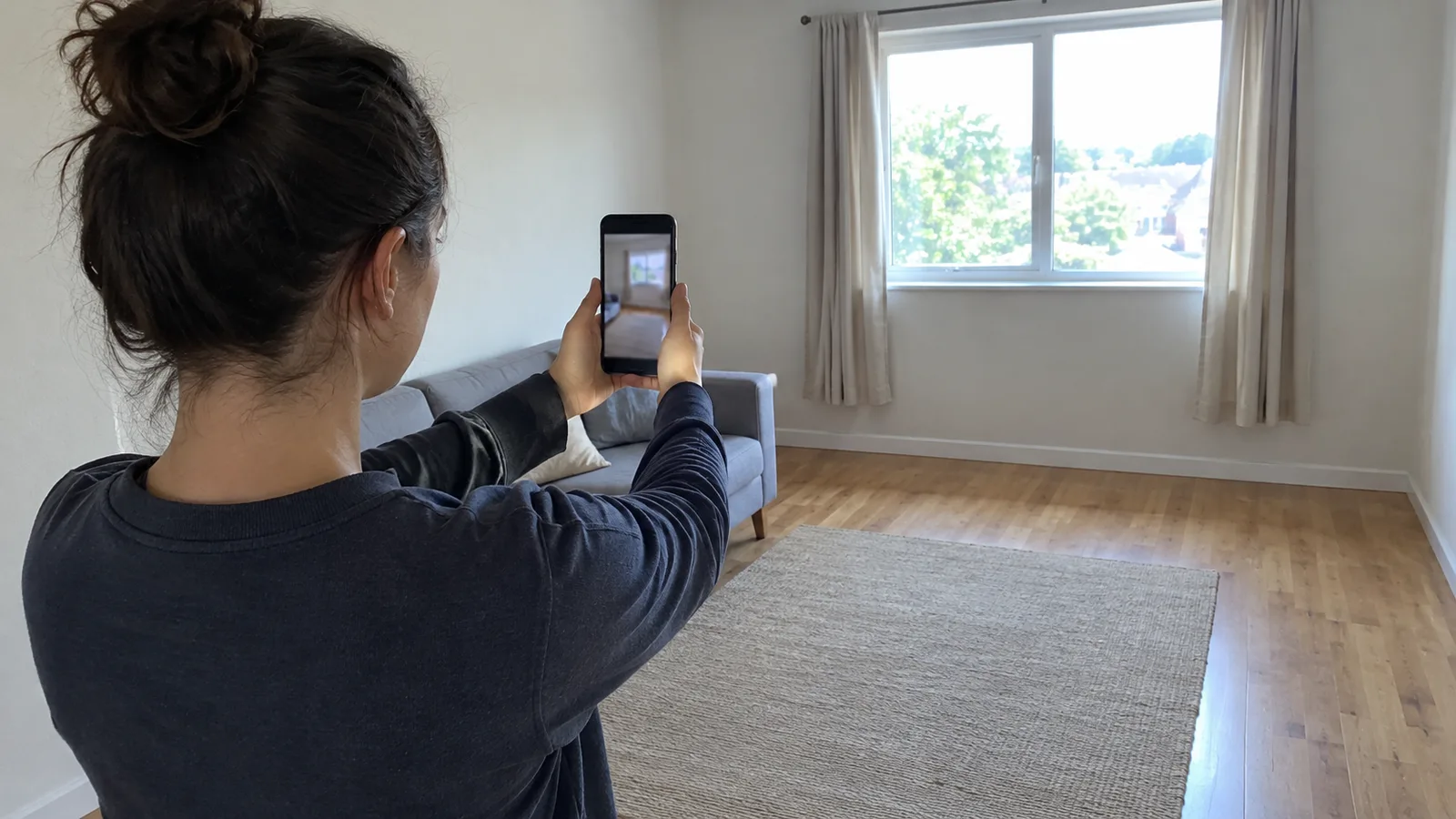
- 1Photo mode. You snap or upload a photo, then use an Eraser to remove items you do not want.
- 2Scan or type. LiDAR-enabled devices can scan a room in the app. On the web you type the dimensions in the Room Builder.
- 3Showrooms. More than 50 virtual rooms to start from.
How the room scan works
There are two scan options, and which you get depends on your device.
| Scan option | Needs | What you get |
|---|---|---|
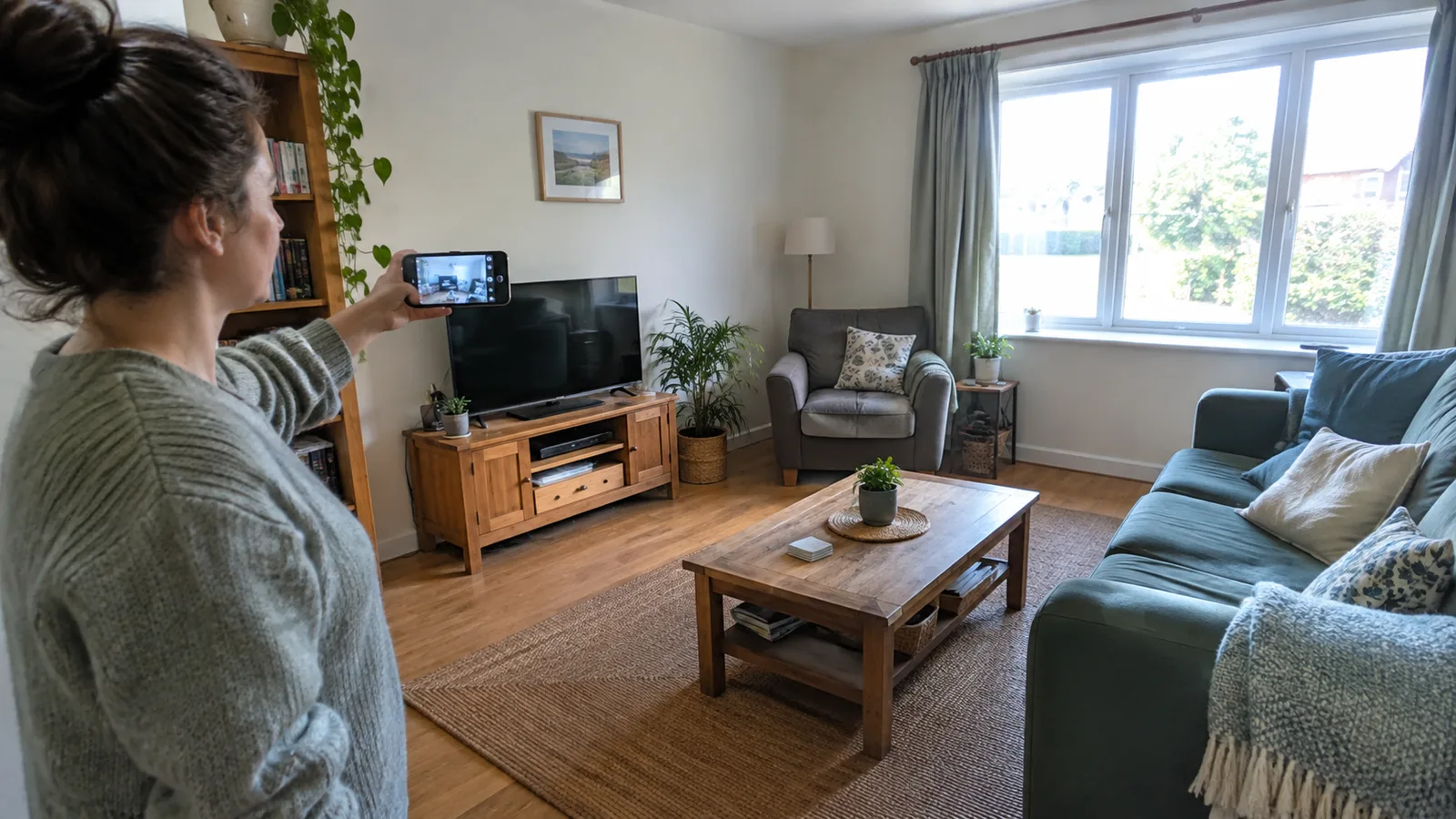
| Photographic Wide-Angle Scan | Any supported phone. Devices without LiDAR use this by default. | A scan of the room as it is, with the option to erase items already in it. |
| Full Room Scan | A device with LiDAR | A scan that starts with the room empty. |
IKEA lists three scan methods inside these options: 5 Point Panoramic, Ultrawide and 1-Scan LiDAR. Its tips are to stand with your back to a corner, keep the floor in the photo, scan in bright light, and sweep the phone in a figure-8 pattern.
What 97 percent accuracy means on a real wall
IKEA says Kreativ scans reach "approximately 97% accuracy" when you follow its best practices, and that products show at "100% accurate scale based on the room's square footage". IKEA Ireland states the same as 97 percent or better, with an error of 6 cm or less. IKEA also says editing a room's dimensions after you create it is "coming soon".
Our arithmetic, assuming the claim means up to a 3 percent error: that is about 2.9 inches on an 8 ft wall, 4.3 inches on a 12 ft wall and 5.8 inches on a 16 ft wall. It is a good guide to scale, and not a substitute for a tape measure when a piece must fit a gap of an inch or two.
What Kreativ does not do
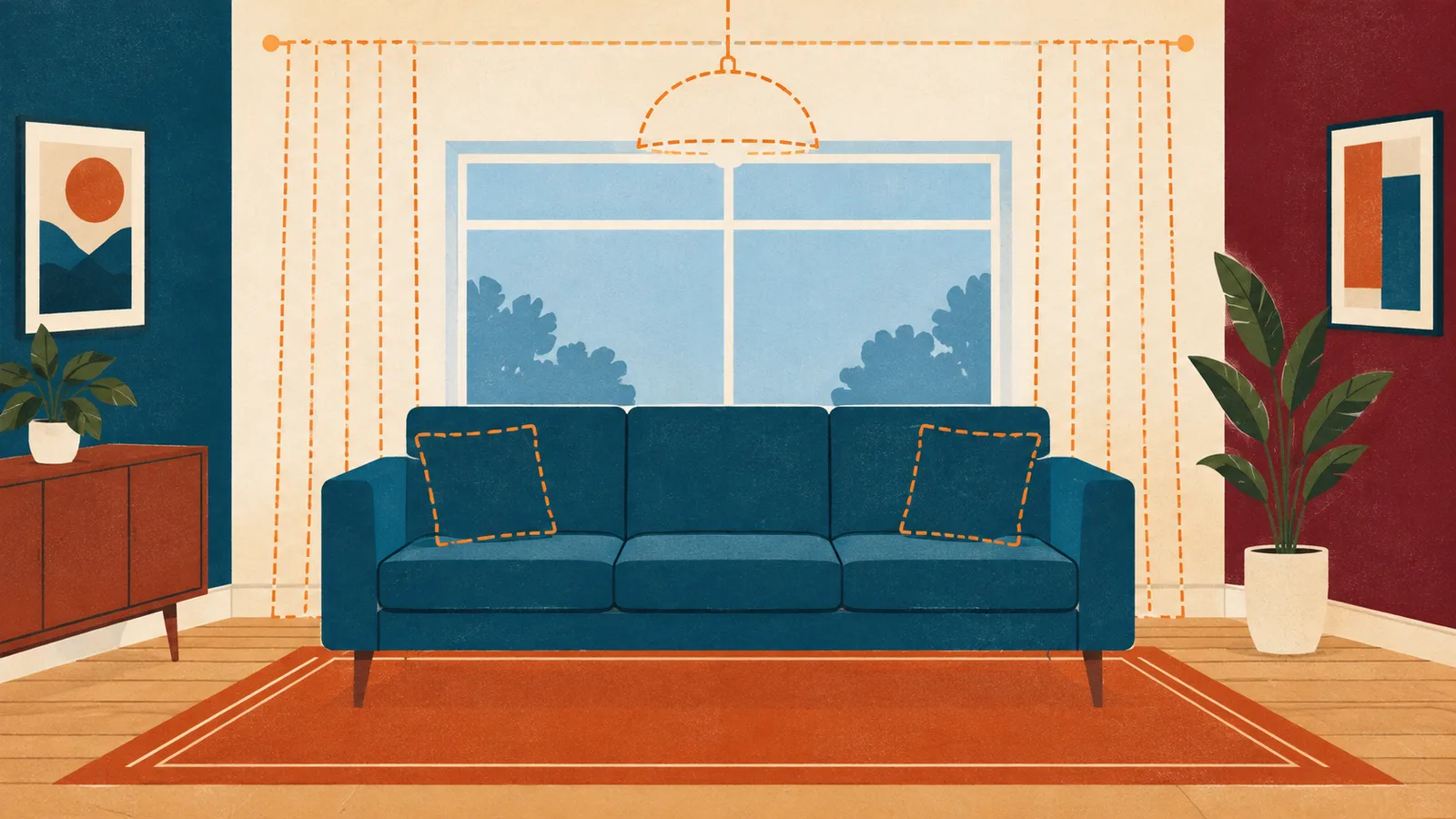
- Textiles. Curtains, pillows, blankets and tablecloths are not supported.
- Ceiling-mounted items. Pendants and curtain rods are not supported.
- Full kitchens. IKEA says to use its Kitchen planner. Kitchens and bathrooms can be scanned, but IKEA recommends the planners. Our IKEA kitchen planner review covers that tool.
- Other brands. It places IKEA products.
App or web
| Feature | App | Web |
|---|---|---|
| Room scanning | Yes | No |
| Room Builder (type dimensions) | No | Yes |
| Zoom | App-wide | Room Builder only |
| Remix links | No | Yes |
Check it before you buy
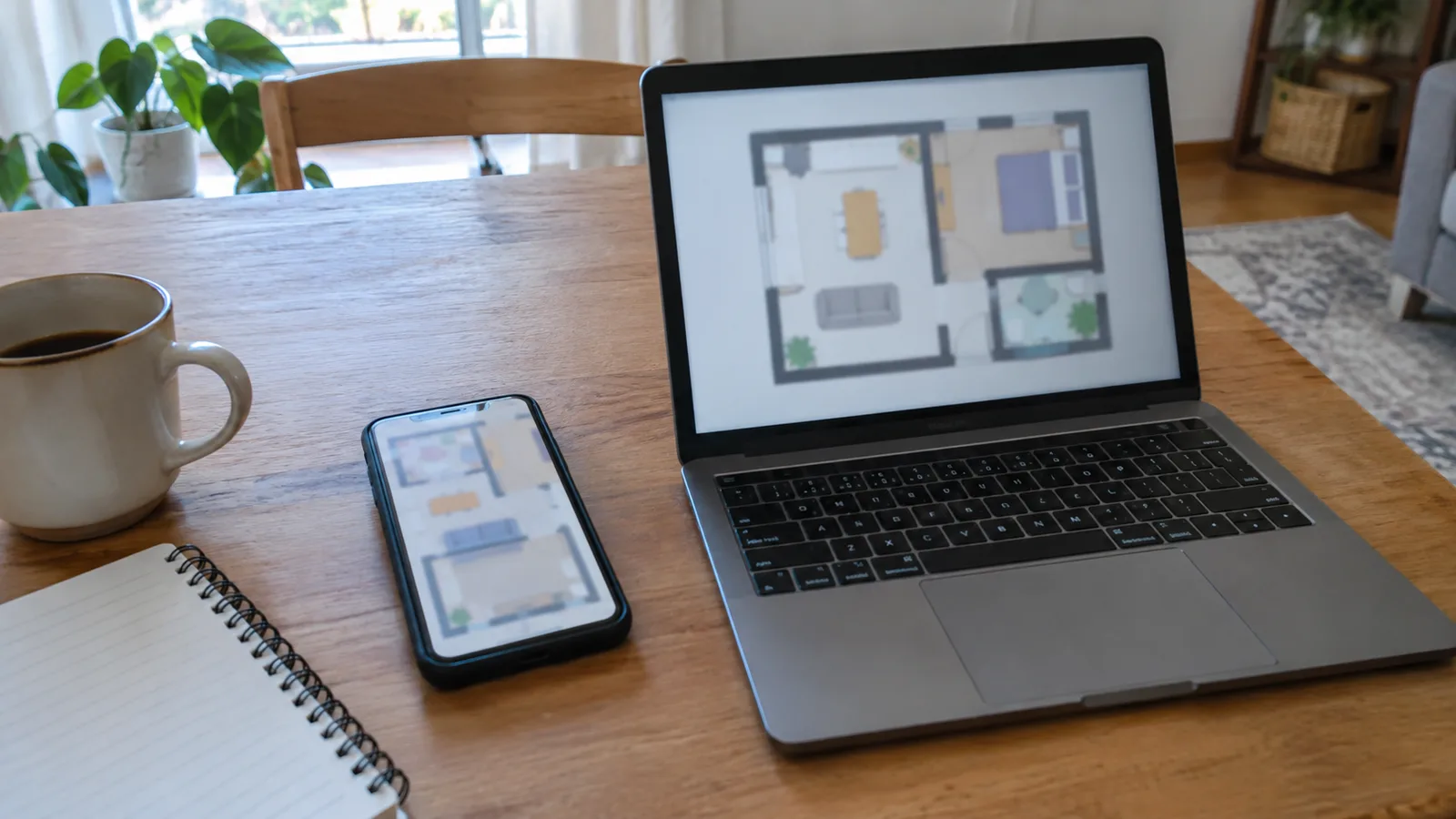
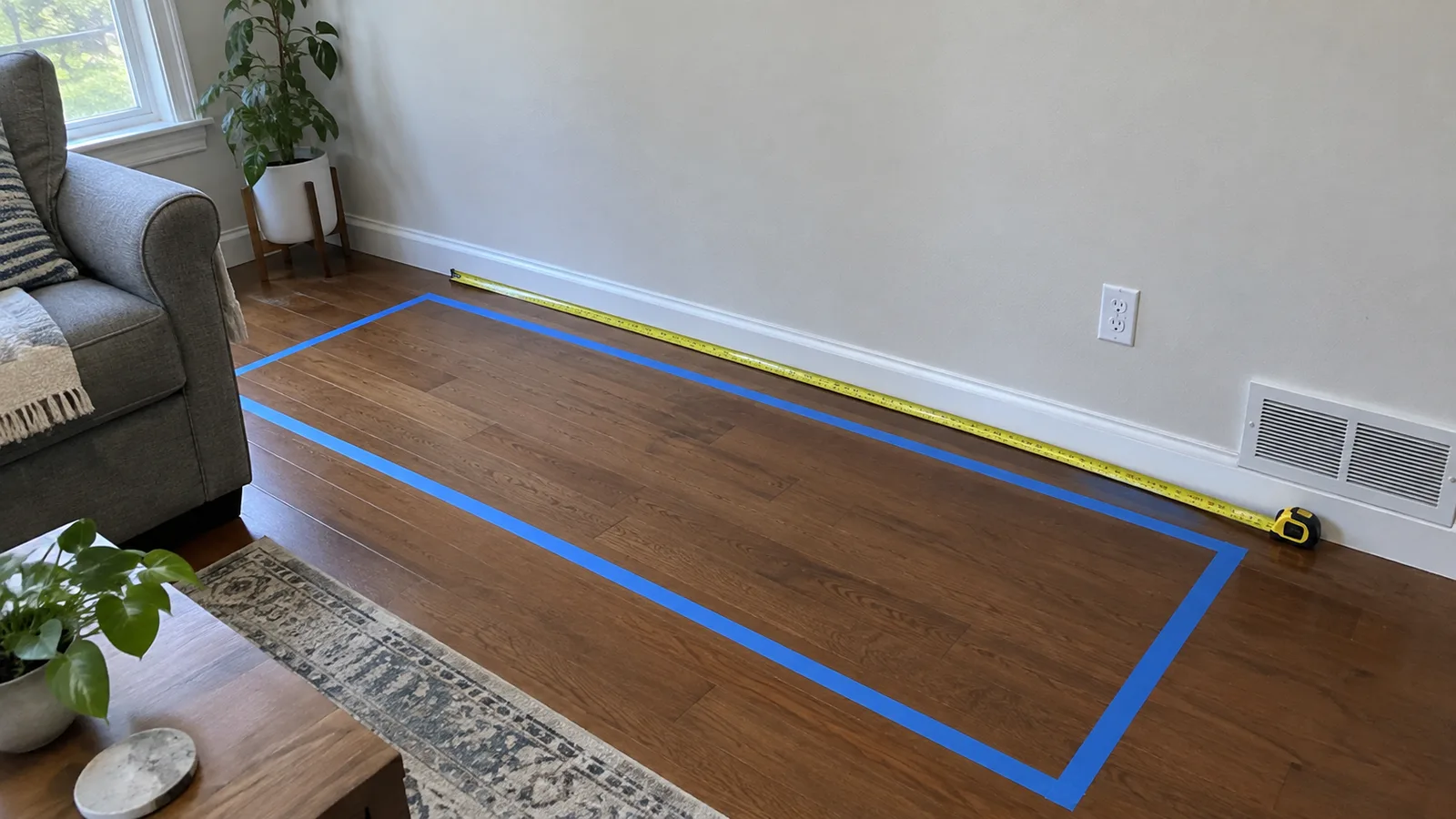
Use Kreativ to decide what to look at, then measure the real room. Our furniture clearance guide gives the gaps that matter, and our room measuring apps comparison covers tools that help you capture exact sizes.
When another tool fits better
Kreativ answers "will this IKEA piece fit and look right in my room?" If your shortlist spans several stores, you need a tool that accepts any product image. DecorViz accepts product images from any store, and its Quick Generate swaps a single piece while Canvas places up to four. If you want to restyle a whole room from a photo, see our AI decorating apps comparison.