
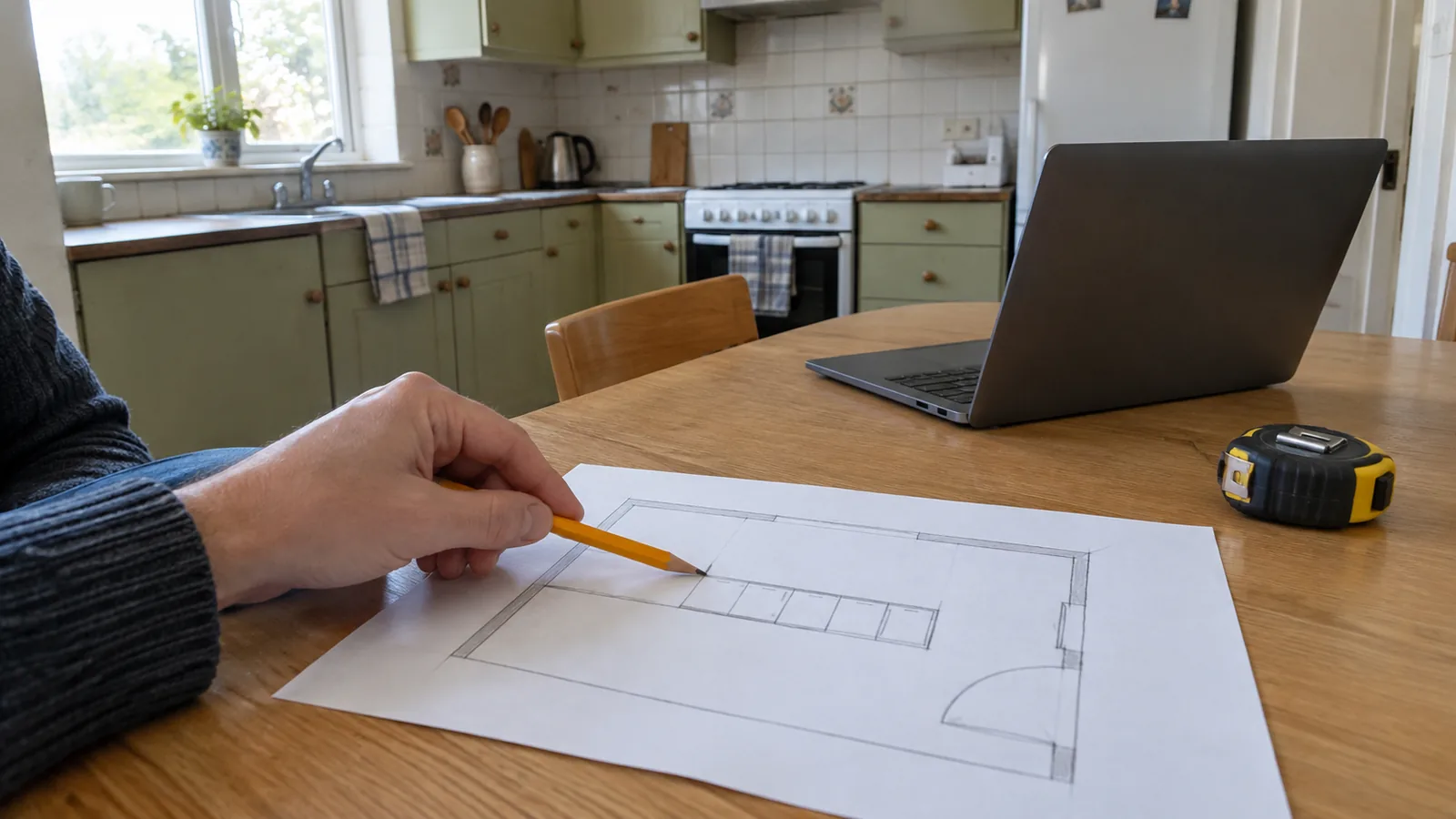
Is the IKEA kitchen planner worth using?
Yes, as a planning and discussion tool for an IKEA kitchen. Treat it as one part of the project, with measurements and a design review alongside it. It is less useful if you want an unrestricted comparison of several cabinet manufacturers or a quick photo edit to explore finishes.
Use it when
- You are considering a US IKEA kitchen.
- You can measure the room and use a computer.
- You want to discuss a specific arrangement with a planning specialist.
Use another method first when
- You only want to compare cabinet colours in a photo.
- You have not established which walls and services are fixed.
- You need a multi-brand cabinet or construction specification.
This verdict is our editorial assessment of the documented workflow. We have not benchmarked responsiveness, completed a cart or installed a kitchen from it.
What is documented, and what is not?
Open the planner through IKEA's US planning directory so you start from the appropriate market. The directory describes room planners that include windows, outlets and pipes, and explicitly excludes mobile compatibility for the kitchen planner. IKEA's kitchen planning service offers a design-verification appointment with a kitchen expert.
| Capability or requirement | How to use the information |
|---|---|
| Room-based 3D kitchen planning | Build a proposal using measured room information. |
| Market-specific kitchen range | Check US SEKTION product details; do not apply a METOD specification from another country. |
| Computer required | Do not assume a phone can complete the kitchen-planner workflow. |
| Expert design check available | Take unresolved fit questions to a planning appointment. |
| Site and installation approval | Not established merely by a planner design. |
We are not quoting a planner price or promising a particular account/export feature without checking its live screen. Confirm the current save, sharing and ordering options in the planner before relying on them for your project.
What to measure before opening the planner
Make a sketch with each wall labelled and put every measurement on that sketch. Measure wall lengths at more than one height where uneven surfaces may affect cabinet fit. Record ceiling height, corners, protrusions and anything that prevents a unit sitting against the wall.
| Room feature | Record |
|---|---|
| Doors and windows | Position, width, height and opening direction |
| Services | Visible locations of water, waste, outlets and ventilation |
| Obstructions | Radiators, beams, boxed pipes and projecting trim |
| Appliances | Exact model, cutout/installation instructions and open-door envelope |
| Access | Delivery route and space for assembly and installation |
Do not infer the location of hidden services from a photo. If you plan to move a sink or cooker, mark that as a proposed change requiring separate assessment. A planner can express an idea without establishing the work needed to make it happen.
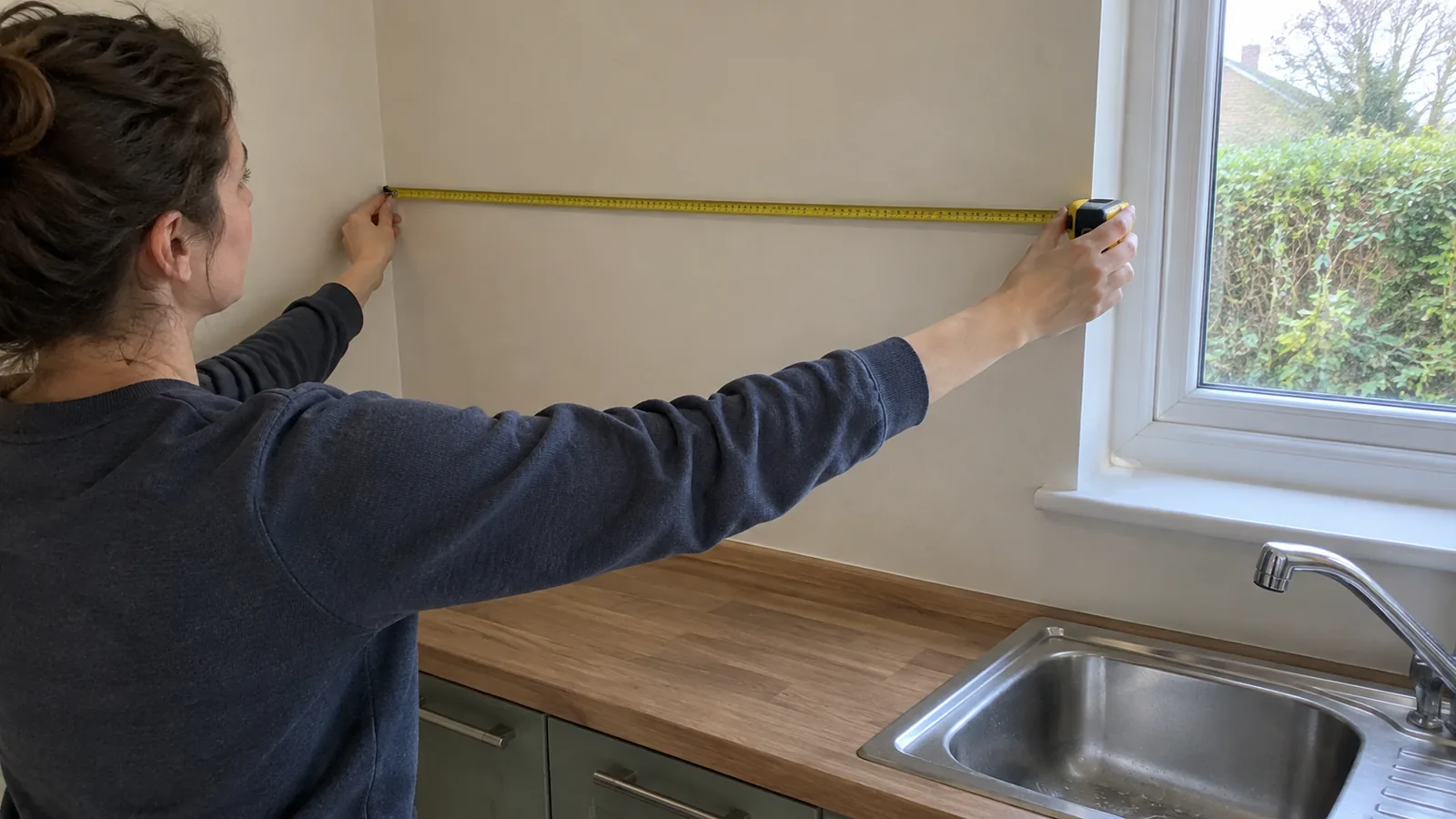
A preparation-to-review workflow
Use this as a planning sequence rather than a claim about the current position of every on-screen button. Interfaces change, and we have not reproduced a full project in this review.
- Establish the shell. Compare the entered dimensions with your written sketch.
- Place the fixed constraints. Record which services remain and which changes need professional input.
- Build the cabinet arrangement. Use the US range and check the exact units you intend to order.
- Review every opening. Think through drawers, corner cupboards and appliance doors in use.
- Record the proposal. Use the live planner's available save or sharing method and keep your measurements separately.
- Arrange verification. Ask IKEA to review the design and unresolved components before committing to an order.
Why a cabinet run that adds up may still fail
Suppose a measured wall is 120 in (305 cm) long and your chosen cabinet widths also total 120 in. That arithmetic leaves no allowance for an end condition, uneven wall, panel or filler. It is a demonstration of a planning risk, not an IKEA rule that every run needs the same spare dimension.
| Check | Question for the design review |
|---|---|
| End against a wall | Can the nearest drawer, handle or door open fully? |
| Exposed cabinet side | Does the chosen finish require a cover panel? |
| Corner | Can adjoining doors and drawers operate without collision? |
| Appliance niche | Does the exact appliance fit its documented installation space? |
| Worktop | Who measures, joins and cuts it, and when? |
Use product and installation instructions to decide the actual allowance. Do not solve a tight fit by deleting a required component from the proposal. Also check occupied circulation, using the clearance guide as an initial room-planning reference rather than a complete kitchen installation specification.
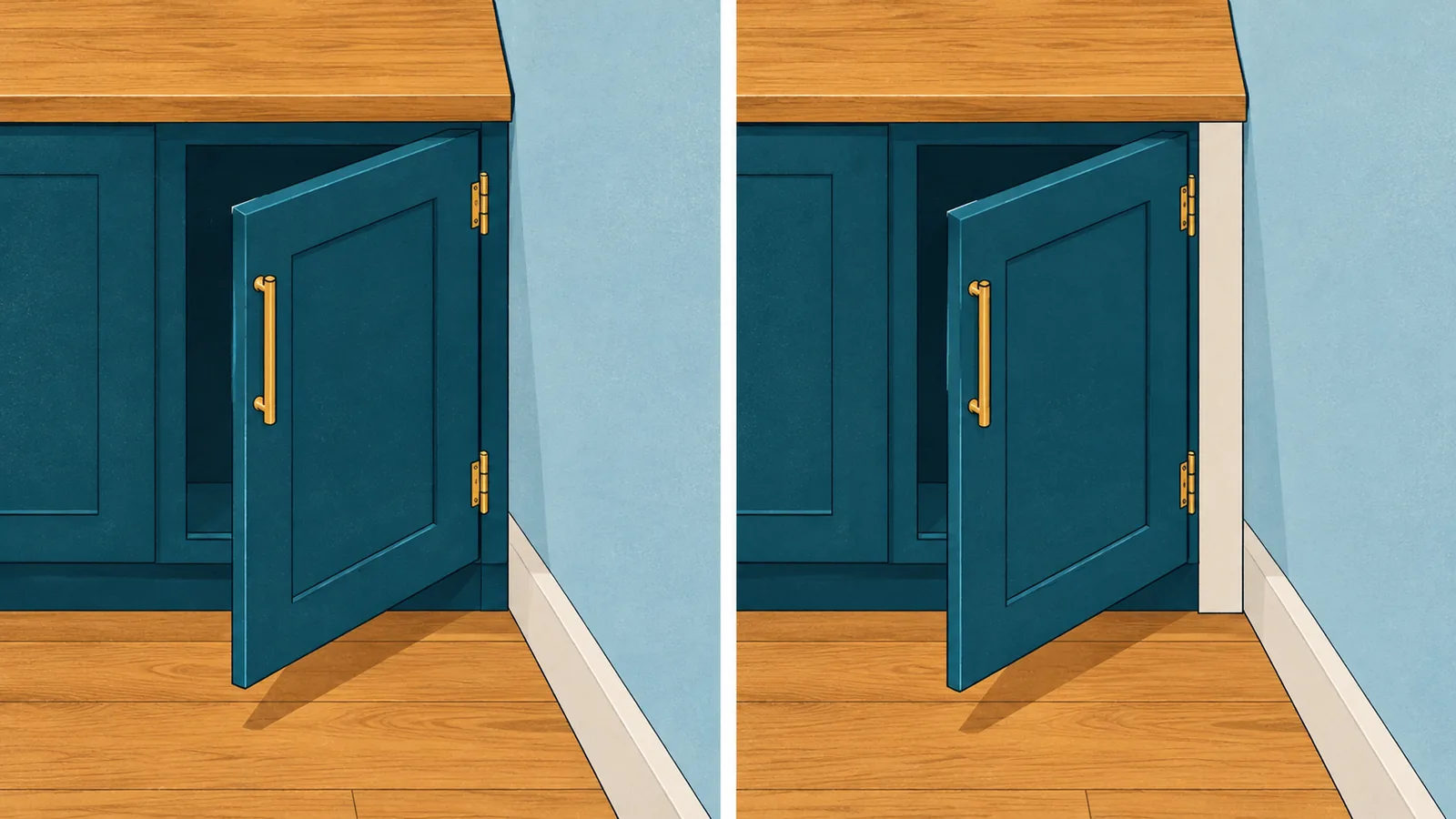
Four illustrative 30 in (76 cm) units total 120 in (305 cm). That arithmetic has no spare allowance; it is not an approved SEKTION configuration or a prescription for the required filler.
Kitchen planner, Kreativ or AI kitchen design?
The tools answer different questions. A catalog planner helps develop an arrangement around actual cabinet choices. A photo edit helps explore appearance. Neither removes the need to verify the real room.
| Your question | Starting route |
|---|---|
| Which IKEA units might form this kitchen? | IKEA kitchen planner and planning appointment |
| What would new fronts or a backsplash look like? | AI kitchen photo workflow |
| How does the whole room layout work? | A measured floor-plan maker |
| What is IKEA Kreativ? | A separate IKEA product; do not confuse it with the kitchen planner |
Take a favourite AI concept to the planner as a design preference, not as a list of available cabinet sizes or an accurate worktop specification.
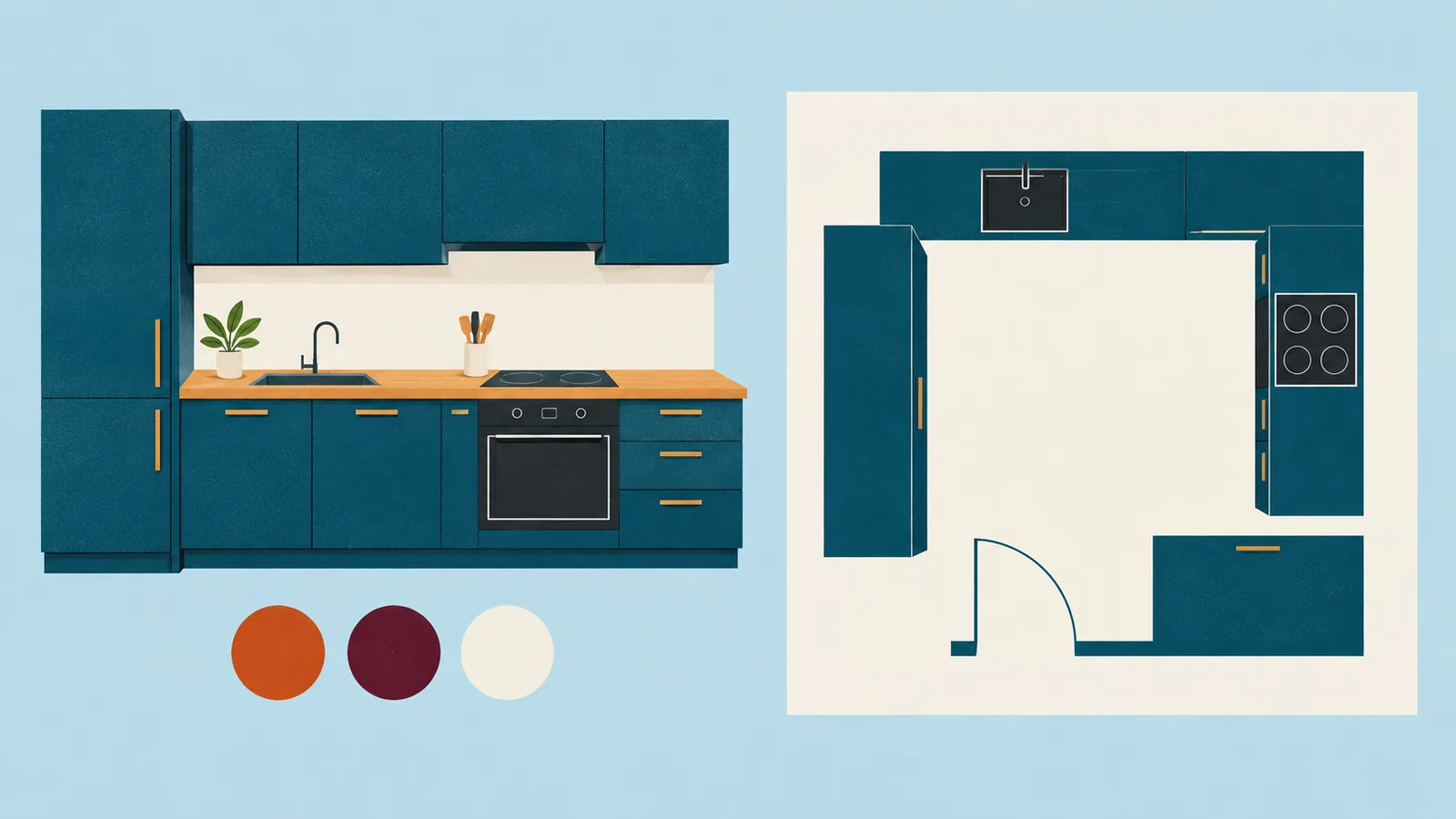
What to take to your planning appointment
- Your labelled room sketch and measured dimensions.
- Photos showing corners, openings and visible services.
- Exact appliance models and their installation documents.
- Your saved planner proposal, using whatever sharing method is currently offered.
- A list of unresolved fillers, panels, worktops and door-opening questions.
- Your budget scope, including items and labour outside the cabinet purchase.
The useful outcome is a reviewed proposal and a clear list of what remains to be measured, specified or installed. Keep those unresolved items visible before placing an order.