
The short answer
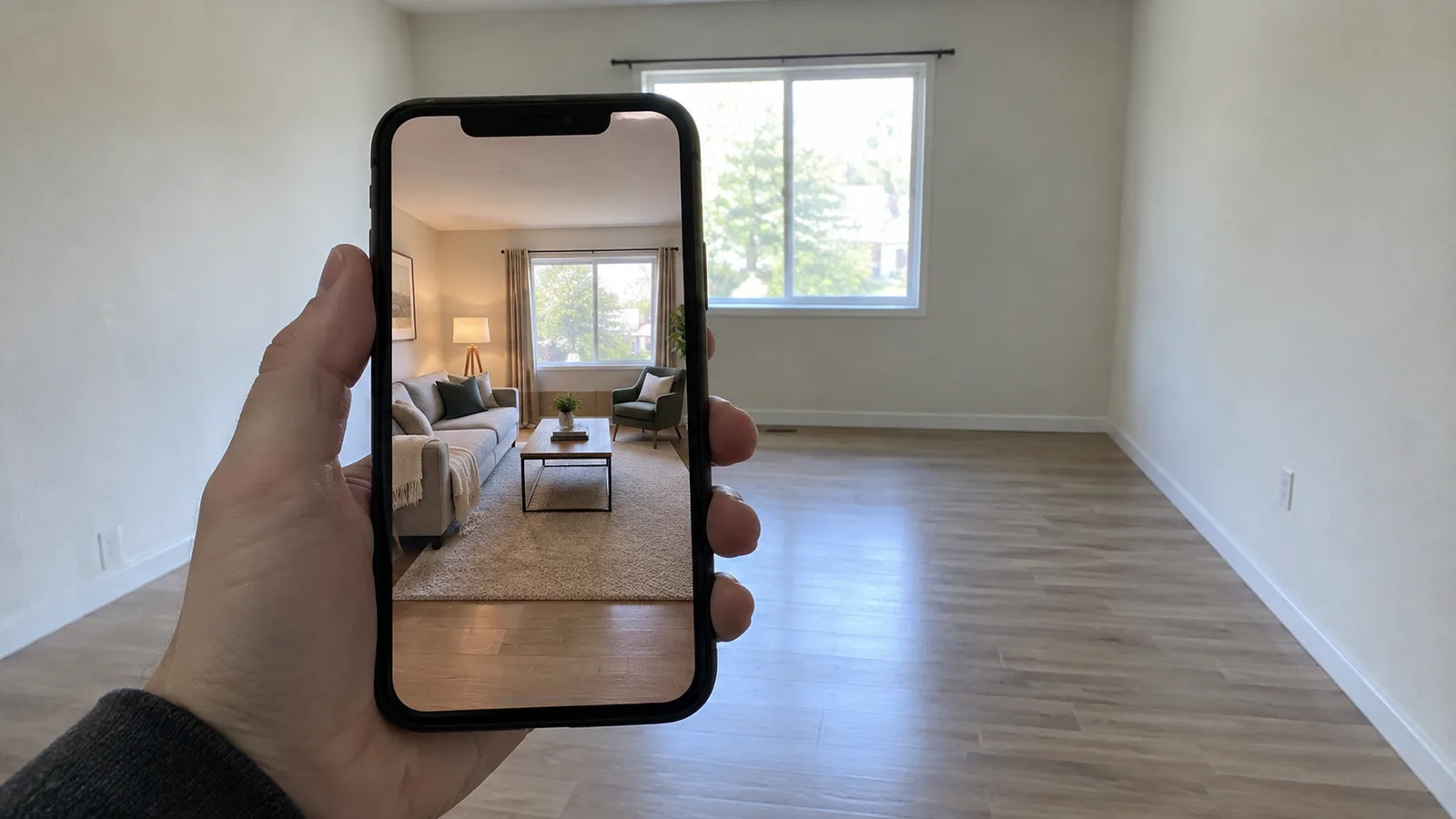
AI virtual staging is legal, but in California and on a growing number of MLS systems you must say that a photo is altered and show the original. California's AB 723 has applied since 1 January 2026. It requires a real estate broker or salesperson, or someone acting for them, to label digitally altered images in a sale listing and to give access to the unaltered image. MLS rules add their own requirements on top. Outside those, general truth-in-advertising rules still apply, so label the photo anyway.
This page explains what the law and two MLS rulebooks say, checked on 24 October 2026. We are not lawyers, and rules differ by state and MLS, so treat this as a guide to what to ask, not legal advice.
What California AB 723 requires
AB 723 was signed on 10 October 2025 and added Section 10140.8 to California's Business and Professions Code. Its text says that a real estate broker or salesperson, or a person acting on their behalf, who includes a digitally altered image in an advertisement or other promotional material for the sale of real property must do two things:
- Disclose. Include a statement that the image has been altered. It must be reasonably conspicuous and sit on or next to the image, and it must say that the unaltered images can be accessed at a link, URL or QR code.
- Show the original. Provide a link to a publicly accessible website, URL or QR code that includes and clearly identifies the original, unaltered image. On a website the broker or salesperson controls, the unaltered version of the images must be included in the posting, which can be done with that link.
The legislative digest notes that a willful violation of the Real Estate Law is a crime and that the bill adds new requirements for licensees. It does not set out a separate fine schedule. The statute's own wording is the thing to read, and it is short: the AB 723 text on the California legislature's site.
What counts as a digitally altered image
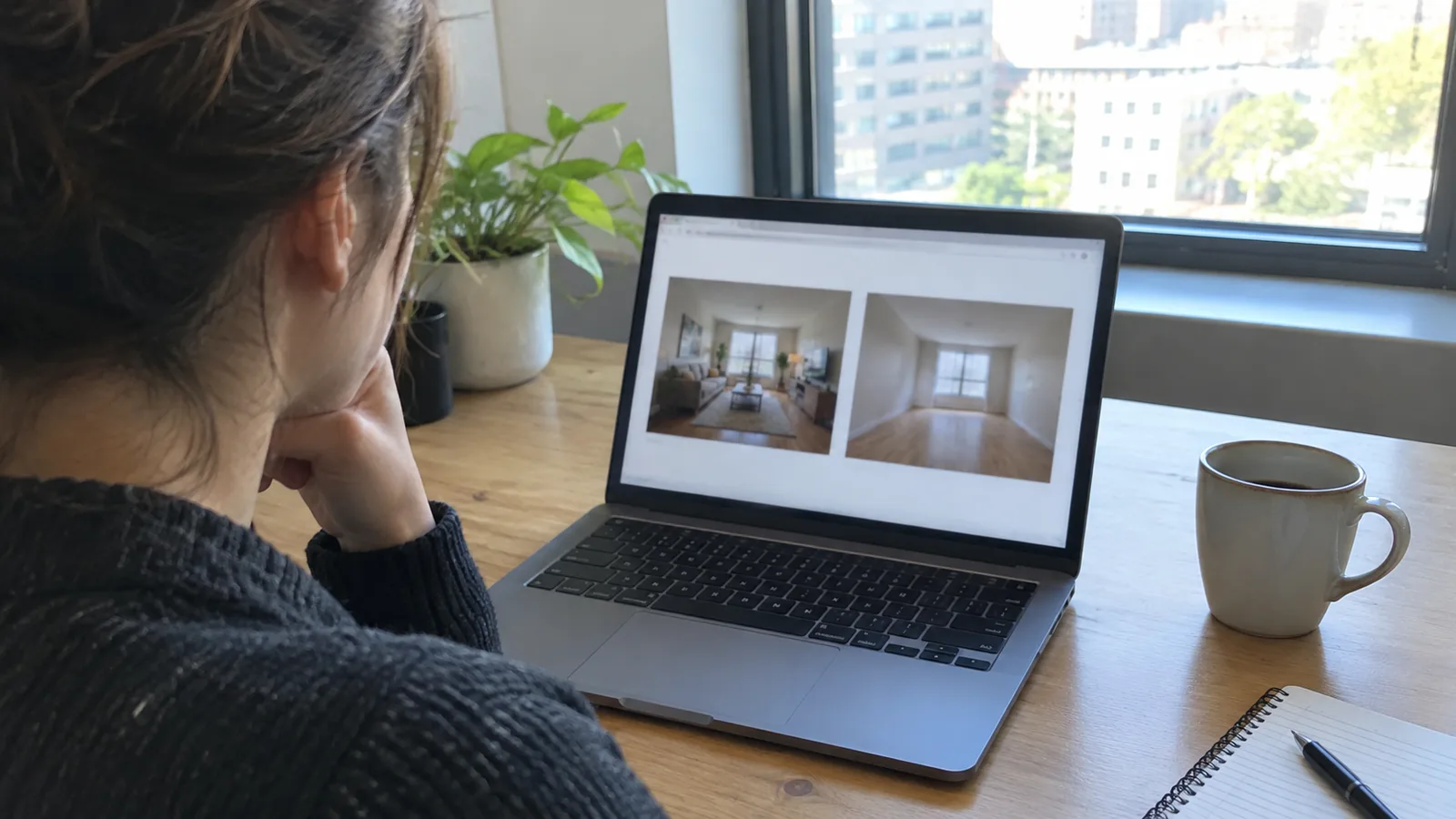
The statute defines a digitally altered image as one created by or at the direction of the broker or salesperson, or someone acting for them, and altered with photo editing software or artificial intelligence to add, remove or change elements in the image. Its examples include fixtures, furniture, appliances, flooring, walls, paint color, hardscape, landscape, facade and floor plans, and elements outside the property such as streetlights, utility poles, views through windows and neighboring properties.
It excludes images where only lighting, sharpening, white balance, color correction, angle, straightening, cropping, exposure or other common adjustments are made that do not change the representation of the real property. A good test, used in guidance from the San Diego Association of Realtors, is whether you are making the photo look better or making the property look different.
| Edit | Needs a label? |
|---|---|
| Add furniture to an empty room (virtual staging) | Yes |
| Remove furniture or clutter | Yes |
| Change wall color, flooring or cabinets | Yes |
| Make a brown lawn green or add trees | Yes |
| Edit out power lines or a neighboring building | Yes |
| Brighten the photo or fix white balance | No |
| Straighten, crop or sharpen | No |
MLS rules go further in places
Your MLS can ban or restrict things the statute allows. Two examples show how different the rules can be.
- CRMLS (California). The original, unaltered image must appear immediately before or after the digitally enhanced one, and the enhanced image must be labeled in the photo description field with a term such as "digitally altered" or "virtually staged". CRMLS also says that virtually clearing a room of furniture that will not be included at closing counts as altered. Its landscaping rule goes further than the label: if the changes will not be made by the seller as part of the listed price, the image should not be uploaded at all, even if it is watermarked and labeled. Its Rule 11.5(c) bars adding elements that are not part of the sale or changing walls, fixtures or utility poles.
- ARMLS (Arizona). Rule 8.23 started on 28 May 2026. It allows digitally altered media only with the MLS "Digitally Altered" watermark on the photo and the original uploaded directly before or after it. ARMLS ties the rule to the NAR Guidelines and Ethical Standards and the aim of presenting a true picture of the property.
Other MLS systems have their own wording and their own enforcement. Read your MLS rulebook rather than a vendor blog, because third-party summaries of these rules often disagree with each other. A listing agent who uses AI tools such as ReimagineHome should know that CRMLS says the tool's automatic watermark does not replace the label and original-photo requirements.
How to stay compliant
- Keep every original. Save the unaltered file before you stage, clear, repaint or retouch anything.
- Decide if the edit changes the property. Furniture, finishes, landscaping, views and objects outside the property do. Light and crop do not.
- Label the altered image. The San Diego Association of Realtors, quoting its Compass brokerage's guidance, suggests wording such as "Virtually Staged. Some elements have been digitally added." for staging and "Digitally Altered finishes (e.g. paint/flooring) shown are not as is." for renovations. That is one brokerage's wording, not statute text.
- Post the original next to it. The same guidance calls this the carousel method: the altered photo first, then the original as the next photo, captioned as the original.
- Check your MLS fields. Use its own disclosure option or watermark, if it has one, and follow its rules on what it will not accept.
For buyers and sellers
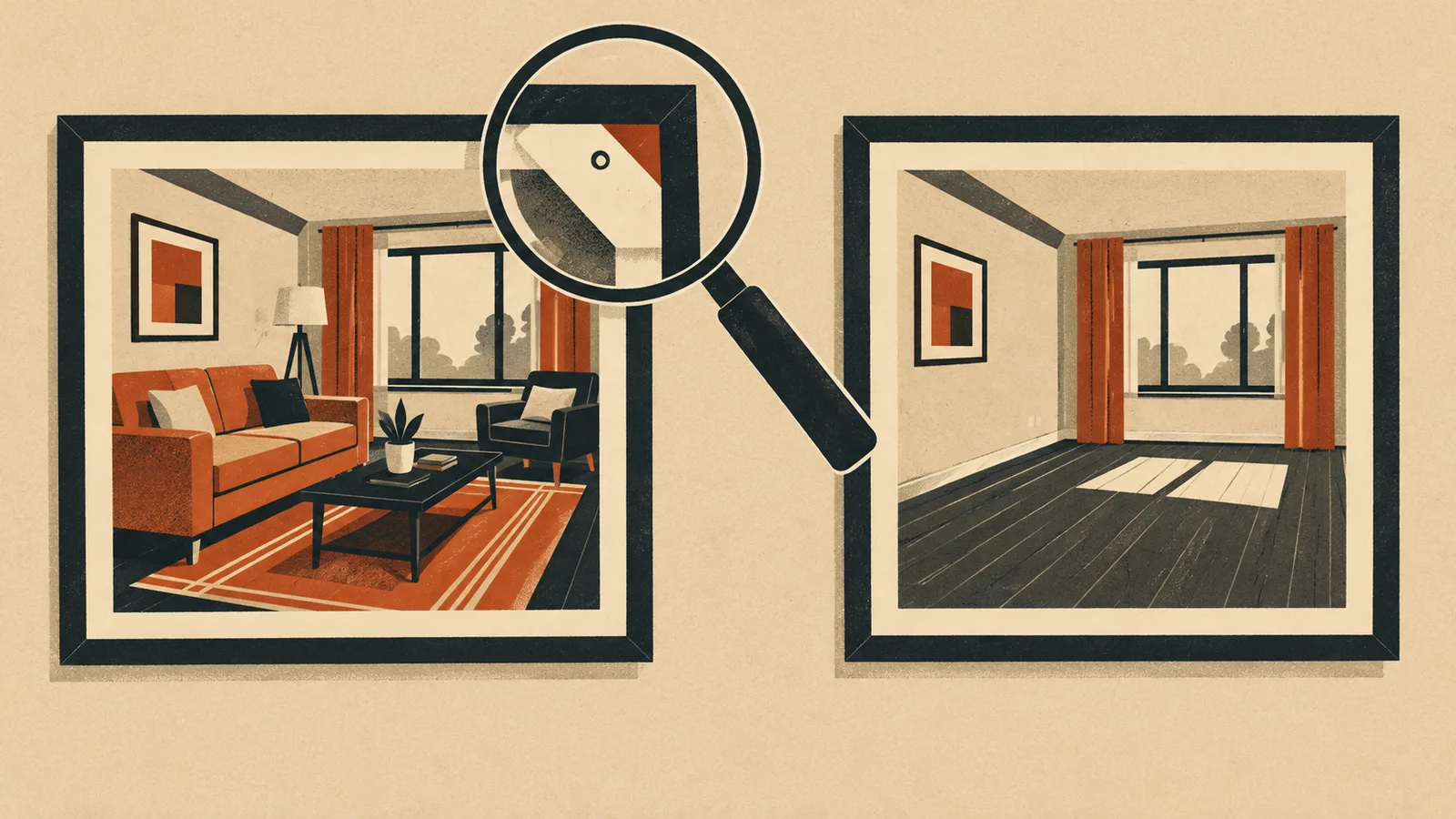
If you are selling, ask your agent how staged images will be labeled and where the originals will be shown. The statute names brokers and salespeople, so a seller marketing without an agent may fall outside its text, but an MLS may still apply its rules to the listing, and misleading photos can cause problems at the viewing or after closing. Keep the labels either way.
If you are buying, look for the label, then look for the original photo. Furniture that is staged is not included in the sale unless the listing says so, and a lawn or view that has been edited does not come with the house. Our guide to spotting AI-generated furniture photos and fake listings covers other warning signs in product photos.
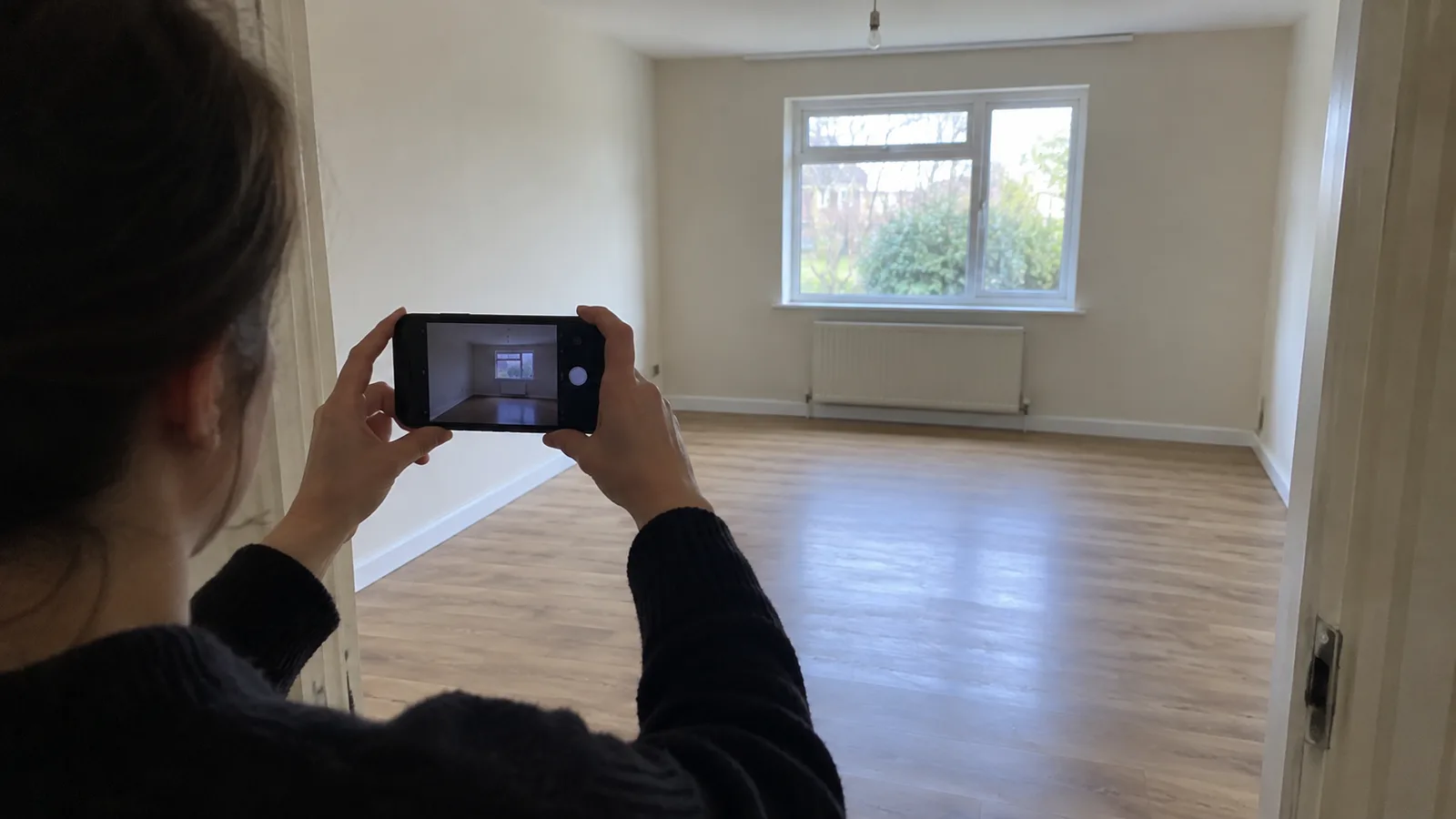
If you want to compare how much AI staging tools can and cannot do, read our Collov AI review, which looks at a tool built for listing staging.
What this page does not cover
- The statute applies to sales advertising in California. We did not verify the law in other states, and sources we read disagree about proposals elsewhere, so we do not list them.
- We did not find a published fine schedule for the statute itself in the sources we checked. MLS penalties vary: ARMLS lists a $200 fine, with an education and fine-abatement period from June to November 2026.
- Photos of rentals, interiors for design inspiration and furniture product photos are different subjects. Use our ChatGPT room design guide for design concepts that are not used to advertise a property for sale.