
Photo-based landscape tools to consider
Choose by the change you want to make, then inspect the result against the existing yard. The following is a documented shortlist, not a test of which product makes the most accurate or attractive image.
| Tool | Documented route | What to confirm |
|---|---|---|
| Neighborbrite | Upload a yard photo and choose a style; its site lists more targeted editing options in paid tiers | Current free allowance, edit access and any plant recommendation |
| AI Landscape Design | Upload a yard photo and select a garden style for a concept | Current starter allowance and paid image/export options |
| Gemini image editing | Upload an image and request an edit | Availability, account terms and whether your fixed features survived |
Checked October 2026. Neighborbrite advertises free use with paid controls; AI Landscape Design advertises free-to-start access and tells users to check the current allowance. We have not purchased a plan or compared outputs. A plant-identification or climate-matching feature is a vendor capability claim, not independent proof that the proposed planting will thrive.
Take a photo and make a fixed-feature list
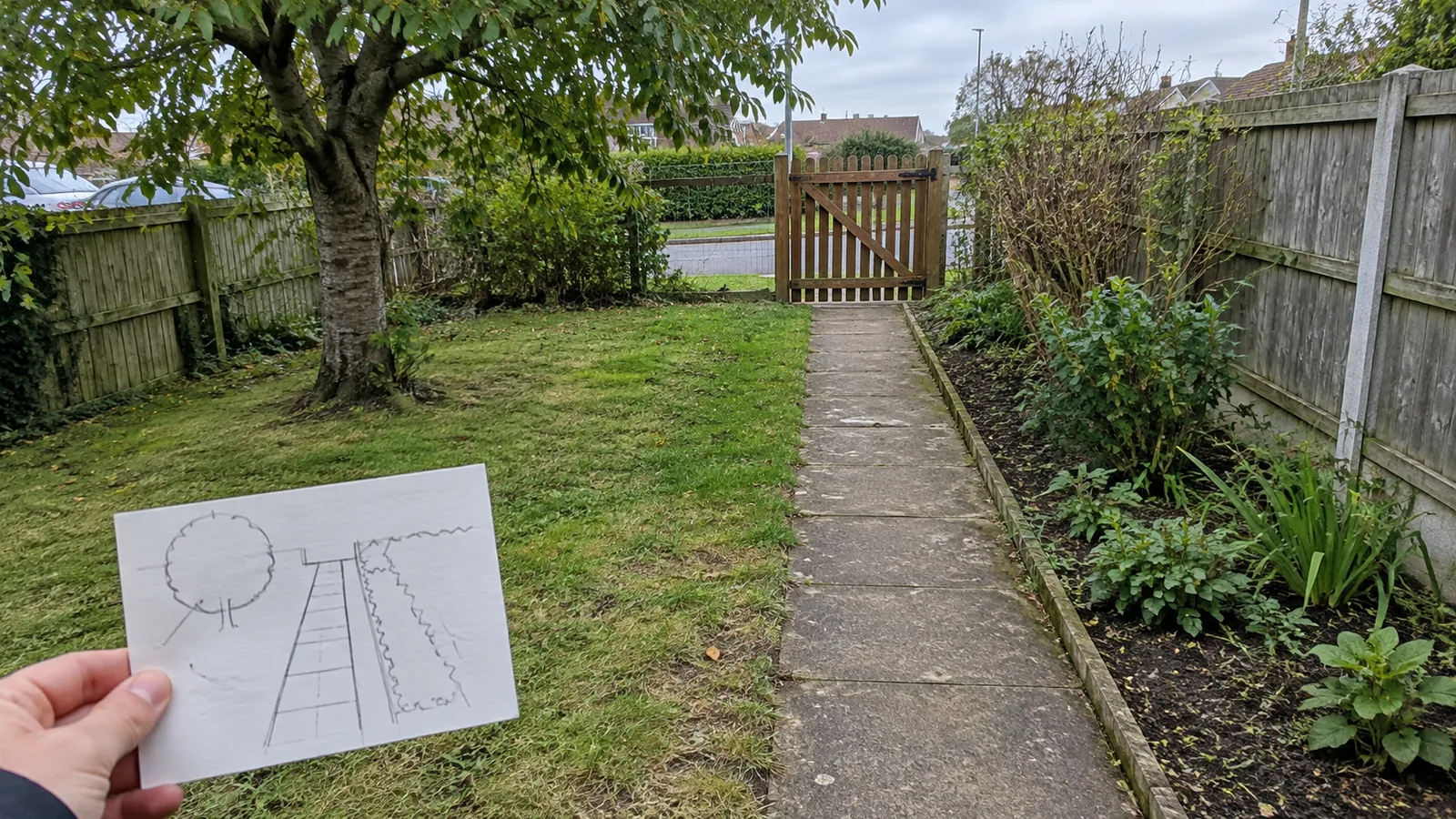
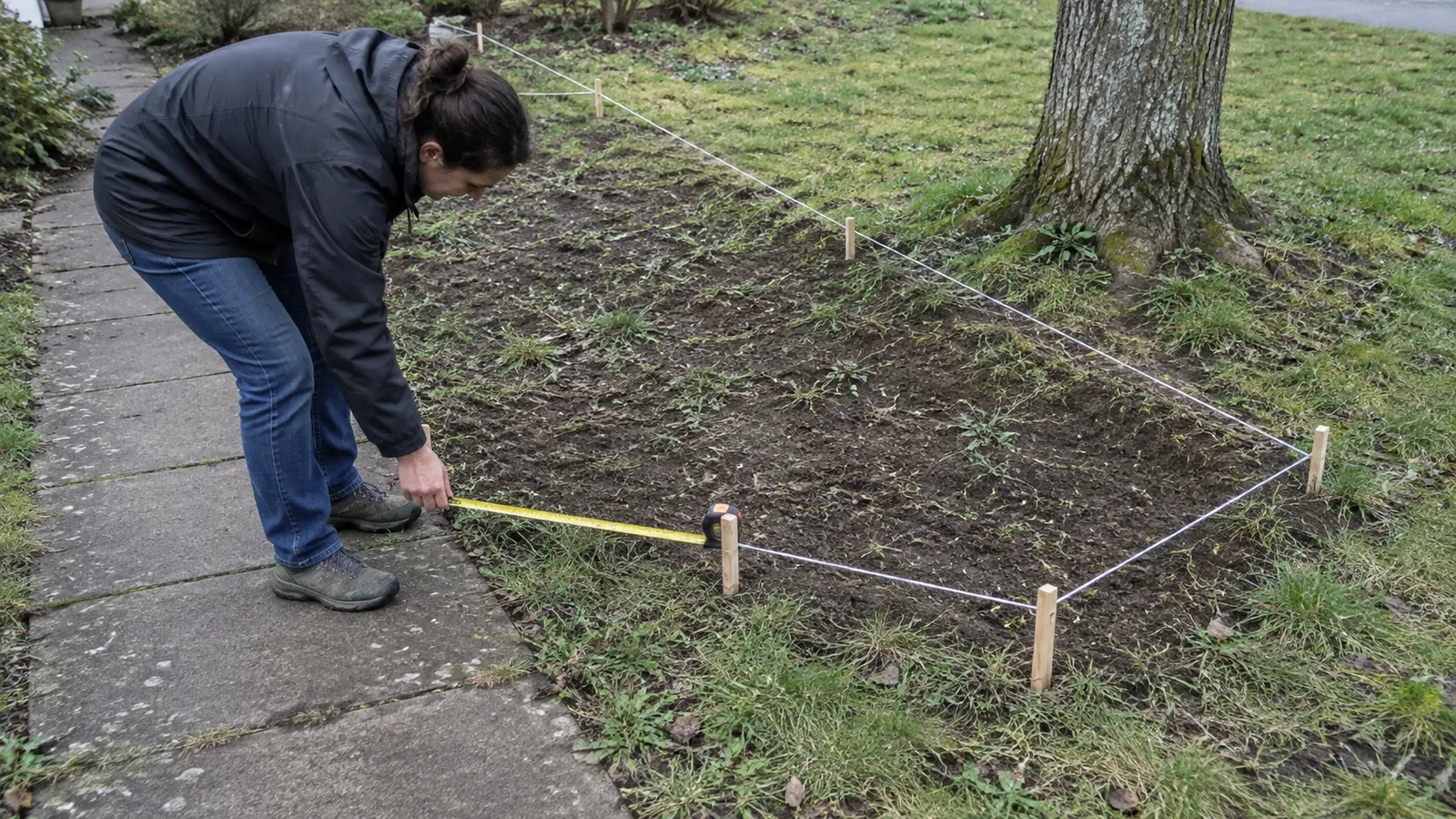
Use an eye-level photo showing the house edge, gate or path that anchors the view. Keep the original. Take another angle of hidden corners rather than assuming one image describes the entire yard. Add a rough measured sketch with the width and depth of the area you actually want to change.
| Retain or record | Why it matters |
|---|---|
| Doors, gates and paths | The concept must keep real access usable. |
| Trees and established planting | A generated removal may not be part of your brief. |
| Boundary and structures | Visible fences do not establish legal boundaries or permitted work. |
| Sun and soil observations | One bright photo does not establish growing conditions. |
| Budget and maintenance | A dense concept may mean more plants and ongoing care. |
For a front yard, preserve the entrance and the view you want to keep from windows. The existing curb-appeal guide covers the practical design ideas; this page focuses on using and checking a photo concept.
A yard-photo prompt you can adapt
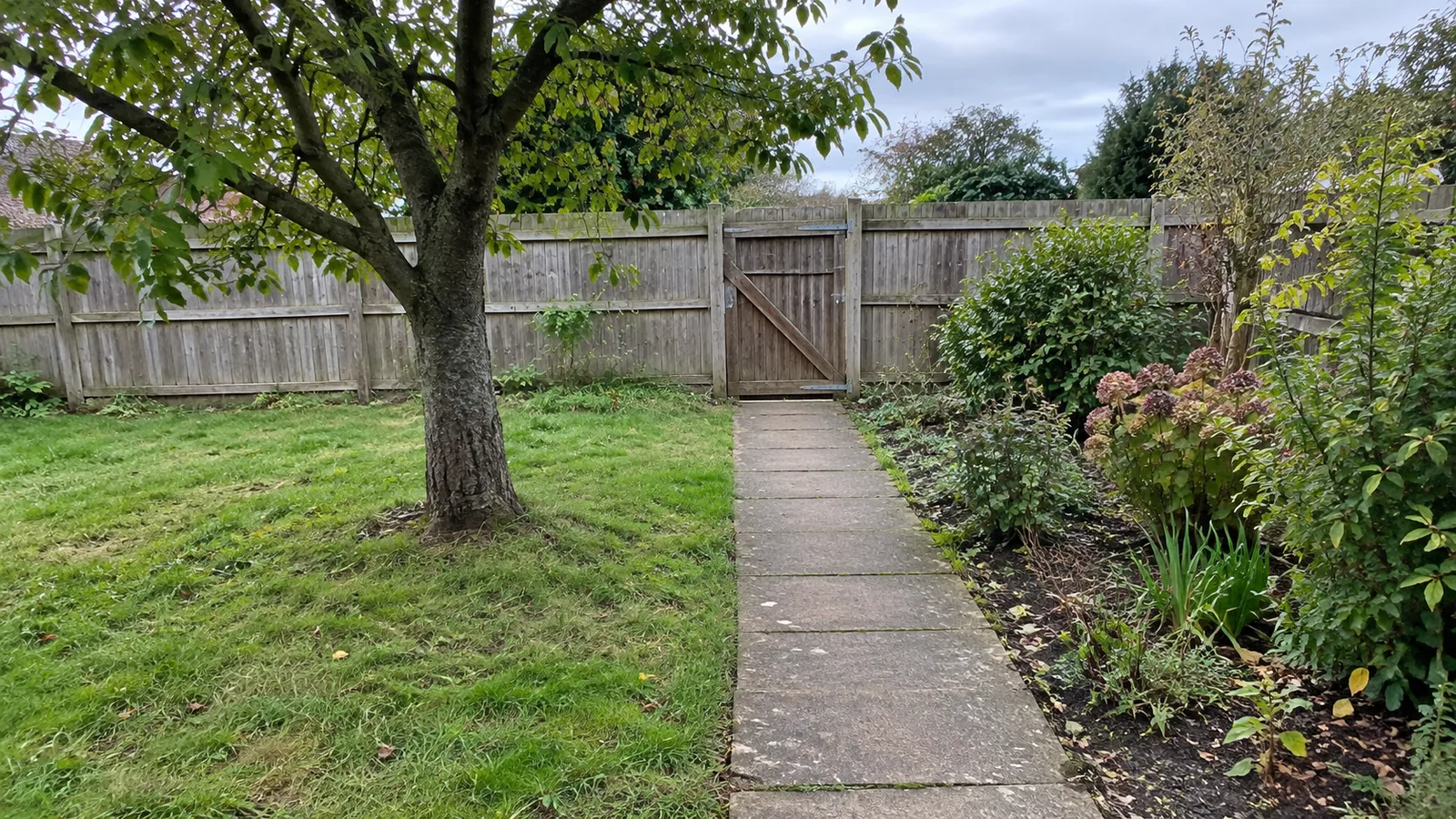
Edit this yard photo into a planting concept. Keep the exact house, window positions, gate, fence, existing tree and path unchanged. Add a modest planted border within the marked area only. Keep a clear route to the door and gate. Show a restrained mix of plant shapes rather than a dense wall of foliage. Do not add a retaining wall, change ground levels or invent a water feature. This is visual inspiration; do not claim plant species or dimensions are verified.
Supply the location and your observed sun conditions separately if the tool supports a written brief. They can help constrain an idea, but a prompt cannot force correct horticultural advice. If the tool only offers a style menu, choose one close to your aims and apply the same audit afterwards.
Ask for one meaningful change at a time. For example, compare a narrow border with a deeper border before changing paving, furniture and planting simultaneously.
Four checks before you trust the concept
Put the original beside the output and inspect the retained features. Reject a version that widens the yard, moves a gate or creates a level change you did not request. A larger-looking garden may be an image error rather than a better design.
| Check | Question |
|---|---|
| Geometry | Have house edges, boundaries, doors and paths moved? |
| Access | Are the door and gate still reachable with planting at mature size? |
| Planting | Are species identified reliably and suitable for the site? |
| Work scope | Did the image invent new paving, drainage, structures or levels? |
Some issues cannot be checked in the picture: buried services, drainage behaviour, plant root space or whether a structure needs approval. Keep them as unresolved items rather than treating a realistic render as a solution.
Check plants against the real site
University of Minnesota Extension's design guidance starts with the site, growing conditions and available planting space. University of Maryland Extension's perennial guidance likewise emphasises site assessment and plant traits. Use the extension service or equivalent local expertise for your own region rather than copying a plant list across climates.
| Plant shortlist field | Record before buying |
|---|---|
| Identity | Botanical name and cultivar, confirmed outside the generated image |
| Site fit | Local climate, light, soil and moisture requirements |
| Mature size | Height and spread, not just the nursery pot size |
| Spacing | A layout based on the verified mature plant dimensions |
| Care | Watering, pruning and maintenance you can realistically provide |
A lush render may show every plant at a convenient size and in flower simultaneously. Treat the arrangement as a shape and texture idea until actual plant choices and seasonal performance are checked. Do not assign a species merely from an ambiguous AI leaf.
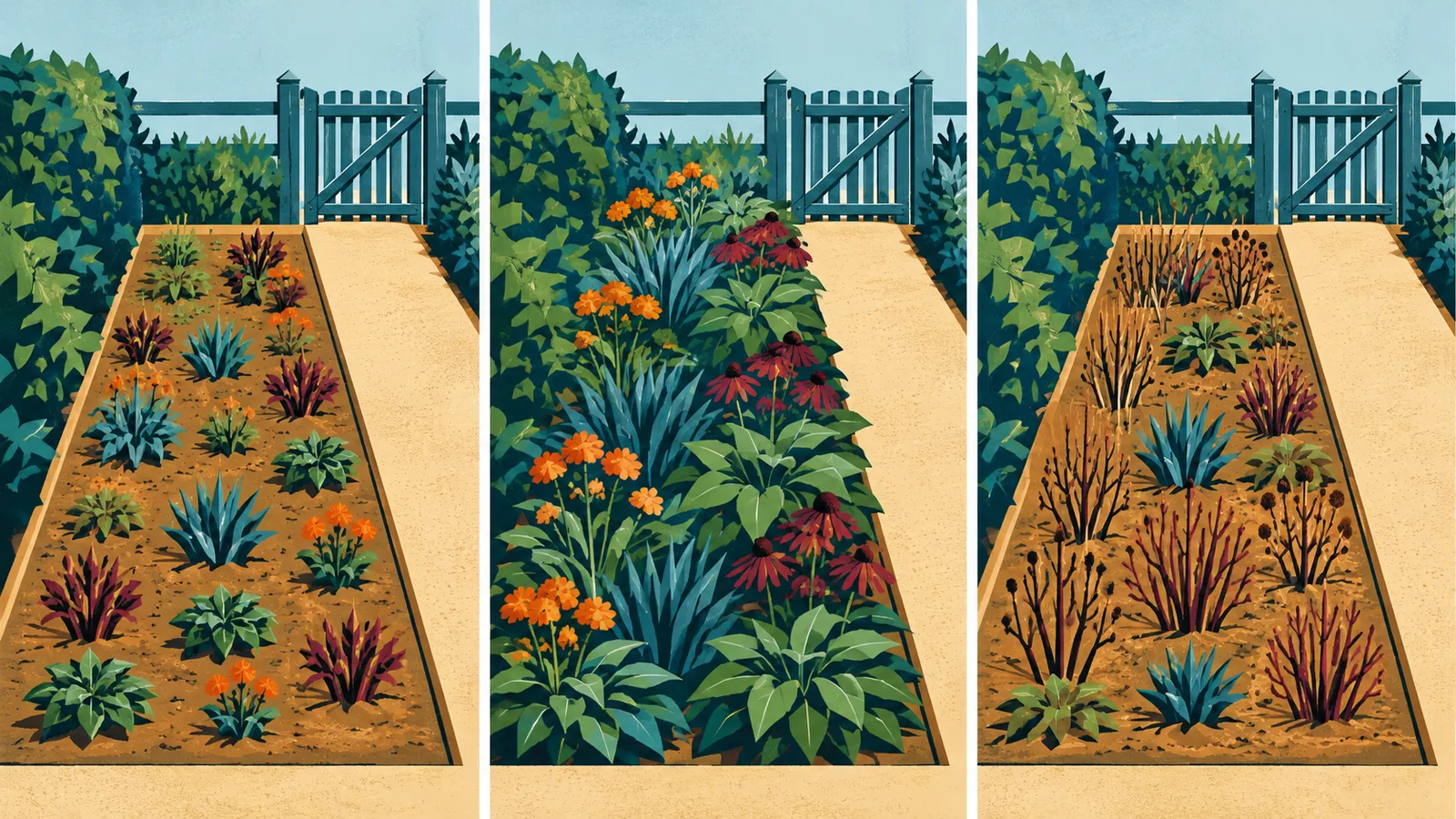
As an illustrative size check, a plant specified to spread 4 ft (122 cm) at maturity is wider than a 3 ft (91 cm) deep border. This is not a named plant recommendation. Check the actual variety and placement, including any route beside the bed.
Worked example: a small front-yard border
This is an illustrative brief, not a generated result or a planting prescription. Suppose you have a 20 ft (610 cm) frontage, an existing path and a retained tree. You want to explore a 3 ft (91 cm) deep border along part of the frontage.
| What the concept suggests | What goes into the brief |
|---|---|
| A continuous border | Measure its actual usable length after gate and path openings. |
| Three rounded shrubs | Select appropriate species and compare their mature spreads with the bed. |
| A lower front layer | Check sunlight, soil and seasonal appearance with local advice. |
| New stone edging | Request an actual material and installation quote. |
| A larger-looking lawn | Compare boundaries with the original; reject artificial widening. |
The resulting brief should say which idea you like and what remains unknown. If three mature shrubs cannot fit without blocking the route, reduce the count or change the selection. Do not shrink them on paper just to match the image.
Turn the concept into a usable next step
- Keep one preferred concept beside the original photo.
- Mark the retained route, gate, tree and structures on your sketch.
- Measure the actual areas to change.
- Prepare a locally verified plant shortlist with mature dimensions.
- Ask for a quote or professional assessment for work beyond straightforward planting.
For new retaining structures, level changes, drainage or major hardscape, take the concept to a qualified local professional rather than deriving construction instructions from it. For broader photo-editing constraints, read AI redesign limits. Stop at a brief you can verify, rather than spending more credits on increasingly elaborate pictures.