
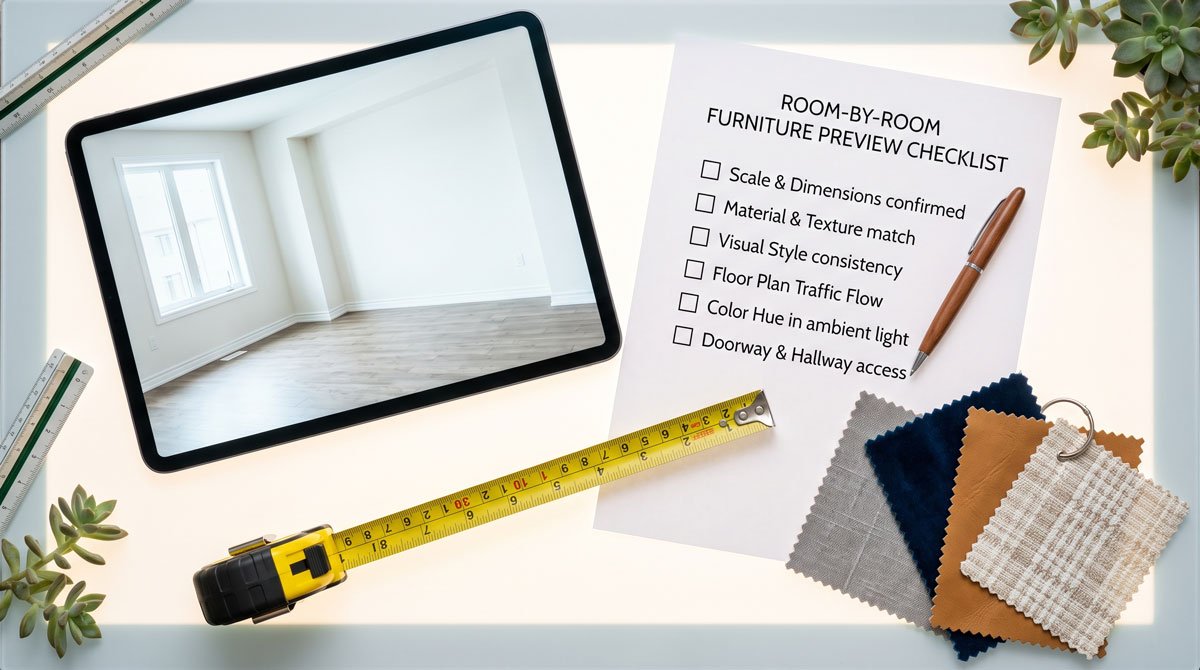
Why previewing furniture matters more than measuring
Measuring tells you whether a piece fits. Previewing tells you whether it works. Those are different questions, and the second one causes most regret. A sofa can fit the wall perfectly and still overwhelm the room, clash with your rug, or read grey-blue instead of the warm taupe you expected under your lighting.
Product listings make this worse, not better. They are photographed in large studios, staged with complementary props, and lit to make the piece look its best. None of that survives contact with your actual walls, floor, and window light. Previewing is how you close the gap between the listing and reality before your money is committed.
The universal pre-buy checklist
Before you order any piece, confirm these five things against your real space:
- Scale and visual mass. Not just width and depth in numbers, but how much of the room the piece visually takes over.
- Clearance and flow. Can you still walk around it, open doors and drawers, and keep walkways clear?
- Color under your light. Check the piece against your walls in both daylight and evening light.
- Style and material fit. Does it sit comfortably with the pieces you already own, or fight them?
- The head-to-head. If you have two or three finalists, compare them in the same spot, not from memory.
Living room
The living room is the highest-stakes room because the anchor pieces are big, expensive, and hard to return.
- Sofas and sectionals: judge bulk and depth against the wall and the walkway behind it. An extra 10 cm of depth changes the whole room's flow.
- Coffee tables and rugs: check proportion to the sofa and whether the rug is large enough to anchor the seating.
- Media units: confirm the piece does not visually crowd the TV or the surrounding wall.
Preview the sofa first (it sets the tone), then test everything else around the winning choice. For a deeper walkthrough, see how to try sofas in your own home before you buy.
Bedroom
Beds dominate a bedroom the way sofas dominate a living room, so the same "visual mass" rule applies.
- Bed frames and headboards: a tall or upholstered headboard can shrink a room fast. Preview headboard height against your wall and windows.
- Clearance: confirm you can still open closet doors and walk both sides of the bed.
- Dressers and nightstands: check height relative to the mattress and whether the finish matches your frame.
More detail here: see if a bed frame works in your bedroom before ordering.
Dining and home office
- Dining tables: a farmhouse table that looks elegant online can overpower a small dining area. Preview the footprint and the chairs pulled out.
- Chairs: check that the style matches the table and the room, not just each other.
- Desks and shelving: confirm scale against the wall and that the finish coordinates with the rest of the room.
Small spaces and rentals
In a studio, apartment, or rental, every centimeter and every purchase counts, and you often cannot make permanent changes.
- Prioritize pieces that earn their footprint. Preview whether a piece leaves enough open floor to keep the space breathable.
- Test lighter colors and leggy frames: they often make small rooms feel larger, and a preview shows this instantly.
- Because returns are especially painful without storage or a car, previewing before ordering matters even more here.
Preview methods compared
There are three common ways to preview, in rough order of reliability:
- Tape and cardboard mock-ups. Free and good for footprint, but tells you nothing about color, material, or style.
- AR furniture apps. Useful when they exist, but limited to a brand's own 3D catalog and often look artificial. You cannot use them for a random product from any store.
- Photo-based AI visualizers. Upload your room photo plus any product photo and get a realistic composite. This is the only method that works with any product from any retailer and shows color and style under your real lighting.
For most online shoppers, the third method is the sweet spot. See our take on AI furniture visualizers versus AR room planners for the full comparison.
The 5-minute previewing workflow
- Photograph the room from the angle you look at most, in normal daylight.
- Shortlist two or three finalists, not every piece you have ever liked.
- Grab each product photo from the store listing (a screenshot is fine).
- Preview each candidate in the same room photo with an AI visualizer.
- Compare side by side, then do a final physical check against the listing dimensions with a tape measure.
That last step matters: previewing confirms scale, color, and style; the spec sheet confirms exact fit. Do both and furniture buying stops being a gamble.